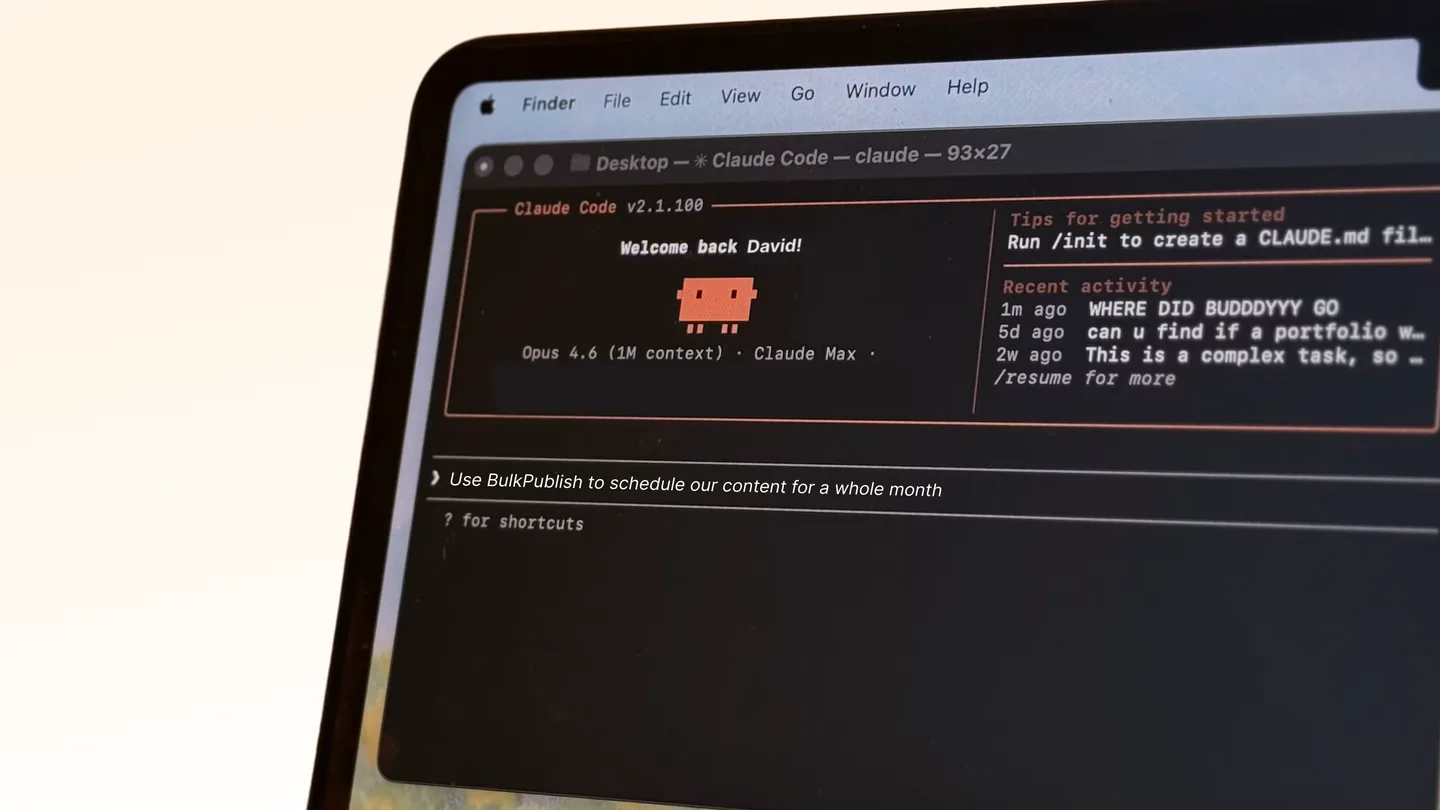
Asking an assistant to draft a post is easy. Letting it publish is a different decision, and the interesting part is not the plumbing. It is what happens when it gets something wrong.
This is the walkthrough: choose a connection, set it up with narrow access, test it, and decide the review routine. For the checklist of what a publishing API needs for agents, and the failure modes behind it, see social media API for AI agents.
Step 1: Pick the connection
An assistant such as Claude or an AI-enabled editor. Use the MCP server, @bulkpublish/mcp-server. Connect it and the assistant can compose, schedule and check posts in conversation. This is the least work and suits someone working interactively.
An agent you have written. Use an API key. Your code holds it and calls the API for your own account.
A product acting for other people’s accounts. Use OAuth 2.1. Each user authorises your app rather than pasting a key at you.
Step 2: Create the credential with the least access
- Create a new API key for the agent only, under its own name, so its activity is distinguishable from yours and can be revoked alone.
- If you use OAuth, request only the scopes it needs. An agent that creates posts needs
posts:write, and does not need media deletion or the inbox. - Connect it only to the channels it should post to.
Revocation is the reason for bothering. At 2am you want to cut off one thing, not rotate the key your whole pipeline uses.
Step 3: Start in draft
Set the agent to create posts as drafts. A person reviews and a person publishes. For most people this is the right setting and they never move off it.
Run it for a week with real work. At the end, ask three questions about the drafts it produced:
- Did any contain a claim you had not given it?
- Did any sound like it came from someone else?
- Did any need a human because of timing or sensitivity?
Step 4: Choose the review routine
| Routine | Use when |
|---|---|
| Drafts, a person publishes | Default. Prose written by a model |
| Approval workflow | A team is involved and you want a named approver and a record |
| Schedule with a delay | The content is routine and you want a window to catch things. Weaker, because it relies on someone looking |
| Direct publishing | Templated content built from a source, such as a release note from a changelog. Not for prose about your company written from scratch |
Step 5: Set the guardrails
- Never let it state a number about your product. Prices, limits and counts change, and a model will produce a plausible one. Facts come from a source.
- Give it your voice. Write a short style note and keep it in the agent’s instructions.
- Watch the volume. Daily request and post caps are a backstop against a loop.
- Keep a human in the loop for anything sensitive. News, controversy and apologies are not an agent’s job.
Plan limits
| Free | Pro | Business | |
|---|---|---|---|
| API requests/day | 10 | 5,000 | 50,000 |
| API keys | 1 | 5 | 10 |
| Posts | 1/day | 30/day | Unlimited |
BulkPublish publishes to 15 platforms from one interface.