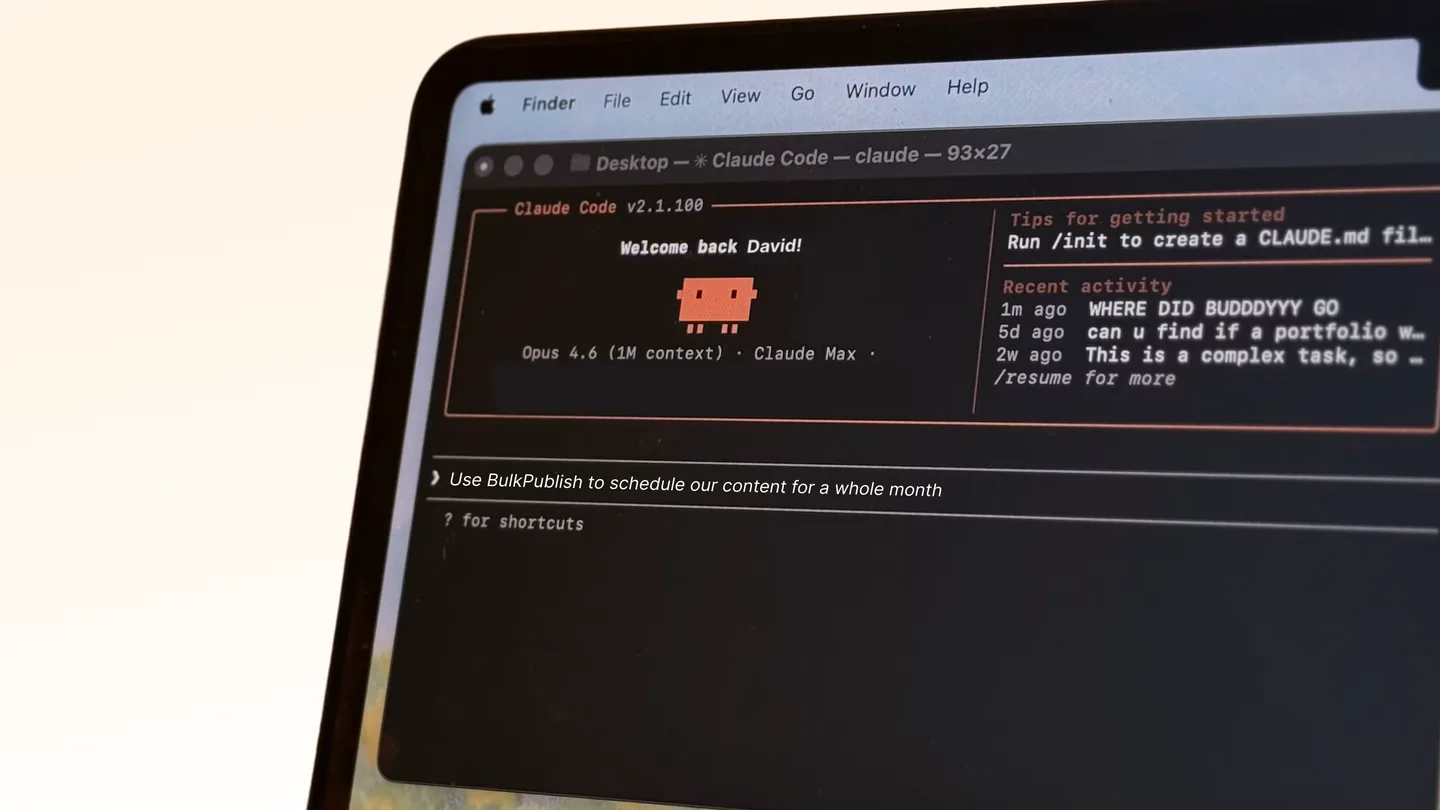
Claude can draft a post without any setup. What it can’t do on its own is publish one, check what’s already queued, or tell you what went out last week.
Connecting it to a publishing tool changes that, and the mechanism is MCP.
What MCP does here
MCP is a standard for connecting assistants to external tools. An MCP server exposes a set of named actions, the assistant reads what they do, and it calls the right one based on what you asked.
So “schedule this for Tuesday morning” becomes a scheduling call with a date, without you touching another app.
BulkPublish publishes an MCP server on npm as @bulkpublish/mcp-server, and there’s a setup guide for Claude specifically.
What it can do once connected
Through the server, Claude can work across all 15 platforms: Facebook, Instagram, TikTok, YouTube, X, Threads, Bluesky, Pinterest, Google Business Profile, LinkedIn, Mastodon, Discord, Telegram, Tumblr and Snapchat.
In practice that means conversations like:
- “Draft a post about this and save it as a draft for LinkedIn and X”
- “What’s scheduled for next week?”
- “Schedule this for Tuesday at 9am in New York”
- “How did last month’s posts do?”
The useful part isn’t any single action. It’s that drafting, checking the calendar and scheduling happen in one conversation rather than across three interfaces.
Set it to draft by default
This is the setting that matters, and it’s worth deciding before you connect anything.
An assistant can be wrong in a way that’s confident and plausible. A made-up statistic in a post reads exactly like a real one, and a post that publishes immediately is a post nobody reviewed.
Create drafts, review, publish yourself. You keep everything useful about the setup and remove almost all of the risk. Most people should stay here permanently, not just at the start.
If you do move to direct publishing, keep it to narrow, templated jobs rather than anything generating prose about your company.
Guardrails worth setting
Don’t let it state facts about your product. Prices, plan limits, feature counts. These change, and a model will produce a plausible number rather than admitting it doesn’t know. Anything factual should come from you.
Give it your voice. With no guidance, generated posts read like generated posts. That’s a reputational cost, not just an aesthetic one.
Use separate credentials. An API key for the assistant, distinct from anything else. When you want to cut it off, you cut off one thing rather than rotating a key your whole pipeline shares.
Watch the volume. Posting quotas are a backstop against a loop, not only a billing tier.
Plan limits
| Free | Pro | Business | |
|---|---|---|---|
| API requests/day | 10 | 5,000 | 50,000 |
| API keys | 1 | 5 | 10 |
| Posts | 1/day | 30/day | Unlimited |
| Channels | 3 | 30 | 75 |
The free plan is enough to try the whole workflow, including connecting the server and creating drafts across three platforms.
Other assistants
The same server works with anything that speaks MCP, and there are setup guides for ChatGPT, Cursor, VS Code, Windsurf, Codex CLI, Gemini CLI, Cline, Warp and others. Nothing about the setup is Claude-specific beyond where you paste the configuration.
The short version
Connect @bulkpublish/mcp-server to Claude and it can draft, schedule and check posts across 15 platforms in conversation. Keep it on drafts, use a separate API key, and never let it generate a fact about your own product. The setup takes a few minutes; the decision about review is the part worth thinking about.