
 Claude
BulkPublish
Post to social media from Claude
Ask Claude to write next week's posts and it can schedule them too. Connect BulkPublish once, in Claude Code or on claude.ai, and Claude can see your channels, fill your queue, publish on request and tell you how last month went.
Claude suits people who already think out loud with it: founders drafting launch posts, marketers turning a long document into a week of updates, developers who want a release note on every network without leaving the terminal.
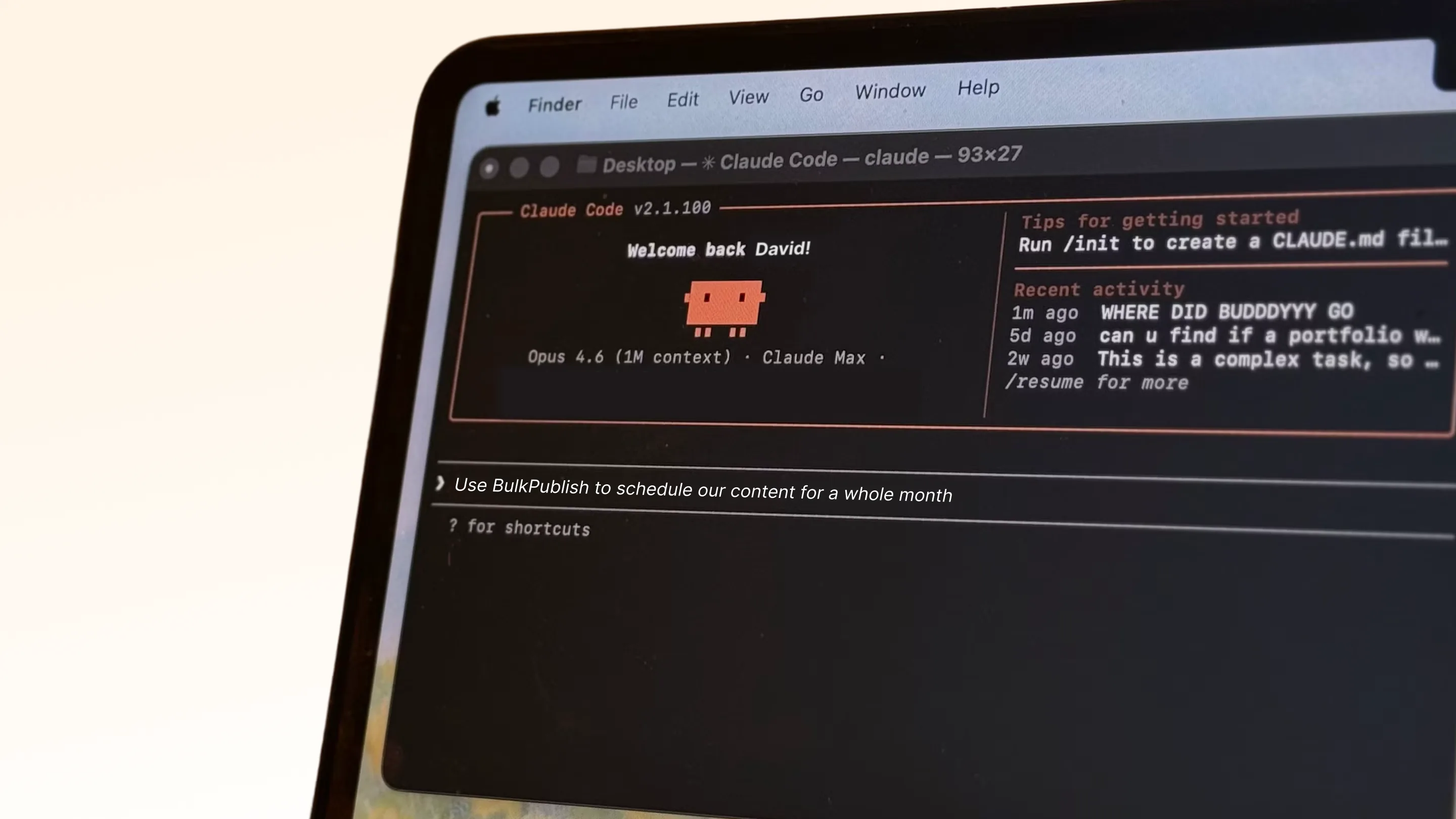
Setting up Claude
In Claude Code, one command adds the server and the file below is there if you would rather commit it to the repo. On claude.ai, add it as a custom connector with the same address. Either way you sign in once in the browser and Claude remembers you.
- Create a BulkPublish account. The free plan connects three channels and does not ask for a card.
- Add the hosted MCP server to Claude with the configuration below. The address is https://mcp.bulkpublish.com/mcp and there is no key to copy.
- Sign in when Claude asks you to. That sign-in is OAuth 2.1, so the token stays with Claude and you can revoke it from your account at any time.
- Ask it to post something. It can see your channels, your queue and your analytics from the first message.
Configuration for Claude
claude mcp add --transport http bulkpublish https://mcp.bulkpublish.com/mcp{
"mcpServers": {
"bulkpublish": {
"type": "http",
"url": "https://mcp.bulkpublish.com/mcp"
}
}
}{
"mcpServers": {
"bulkpublish": {
"command": "npx",
"args": [
"-y",
"@bulkpublish/mcp-server"
],
"env": {
"BULKPUBLISH_API_KEY": "bp_your_api_key"
}
}
}
}Checked against the Claude documentation on September 10, 2026. Read it there
The AI toolkit has a Claude section that walks through this step by step.
Prompts to start with
Once Claude is connected, paste one of these to get going. Swap anything in square brackets for your own details.
Read [paste the document or attach it] and turn it into a week of posts for my BulkPublish channels, one idea a day, written for each network. Show me the whole week first, then schedule the posts I approve.Look at the commits since [tag or date] and write a short post about what changed for users. Show me the draft, and once I say yes, publish it with BulkPublish to [channels].Pull my BulkPublish analytics for last month and tell me which posts did best and on which networks. Then draft three posts for next week that build on what worked and show them to me.What Claude can do
Claude gets the same set of tools as every AI agent that connects to BulkPublish. See every tool on the MCP server page
Where the posts go
Whatever Claude schedules can go to any of these 15 networks, to one account or to all of them at once. Each one links to its own page with its limits and post types.
-
 Facebook
-
 Instagram
-
 X / Twitter
-
 TikTok
-
 YouTube
-
 Threads
-
 Bluesky
-
 Pinterest
-
 Google Business
-
 LinkedIn
-
 Mastodon
-
 Discord
-
 Telegram
-
 Tumblr
-
 Snapchat
Building something of your own instead? Every network above also has a developer page, one for AI agents and one for code.
Details
The practical facts about Claude in one place, for setting it up now or checking something later.
| Detail | Value |
|---|---|
| Authentication | OAuth 2.1. Sign in once, nothing to copy, revoke whenever you like |
| Get it from | Claude Directory |
| Operations | 46 operations |
| Networks | 15 networks |
Open Claude · Read the API docs
Frequently asked questions
What people usually want to know before they connect Claude.
Does it work in Claude Code and on claude.ai?
Yes. In Claude Code one command adds the server, and on claude.ai you add the same address as a custom connector. Either way you sign in once in the browser.
Can my team share the setup through the repo?
Yes, in Claude Code. The server can live in a .mcp.json file in the project, so commit it and everyone who opens the repo gets BulkPublish. Each person still signs in once with their own account.
Can Claude post to social media on its own?
Yes, once you have connected it. Claude reaches the same API the app uses, so it can write a post, put it in the queue, publish it, and read the numbers back. Everything it schedules appears in your content calendar, so you can look before it goes out.
Do I need an API key?
No. The hosted server uses OAuth 2.1, so you sign in once in your browser and Claude holds a token from then on. You can revoke that token from your account at any time, and nothing else stops working.
Is anything installed on my machine?
No. The server is hosted, so Claude connects to a web address. There is nothing to run locally and nothing to keep updated, and it works the same on every machine you sign in from.
Still stuck? The Help Center walks through it step by step.
Guides and tutorials
Walkthroughs from our blog that use Claude.
Other integrations
BulkPublish also works with 8 other tools. Pick one to see how it connects.







Start publishing
Create an account, connect your channels, and your first post can be scheduled a couple of minutes later. Free plan, no card, cancel whenever you like.