
Social media API for 15 networks
Post and schedule to Instagram, TikTok, LinkedIn, X, YouTube and 15 networks in all through one REST API and one key. Pick a network for its post types, options and a working request.
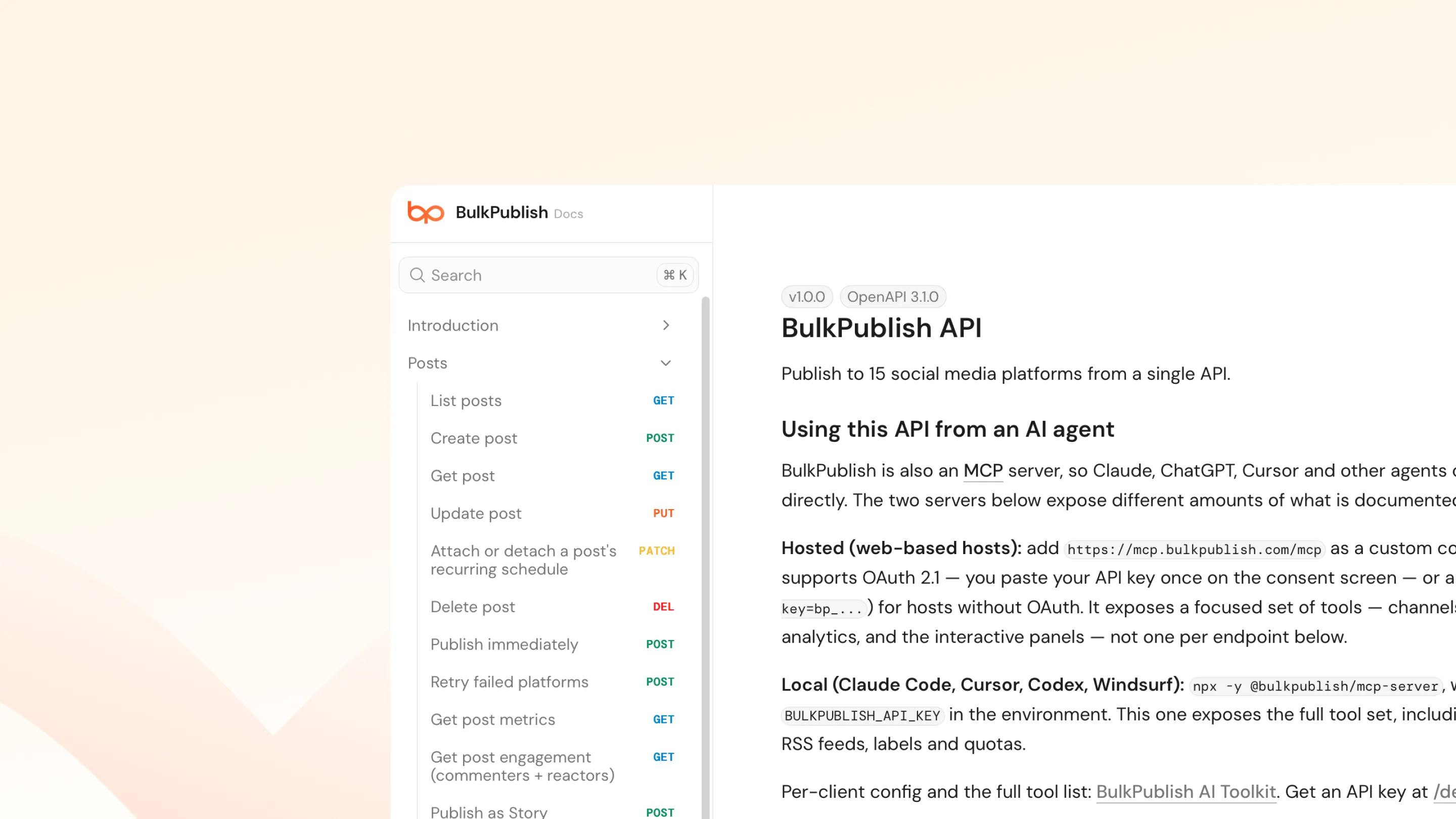
Social media API docs by network
Each page covers one network: the post types it accepts, the options you can set, a request you can copy, and the analytics and comments you can read back.
-
 Facebook PublishScheduleAnalyticsCommentsDMsReviews
-
 Instagram PublishScheduleAnalyticsCommentsDMs
-
 X / Twitter PublishScheduleAnalyticsCommentsDMs
-
 TikTok PublishScheduleAnalytics
-
 YouTube PublishScheduleAnalyticsComments
-
 Threads PublishScheduleAnalyticsComments
-
 Bluesky PublishScheduleAnalyticsCommentsDMs
-
 Pinterest PublishScheduleAnalytics
-
 Google Business PublishScheduleReviews
-
 LinkedIn PublishScheduleComments
-
 Mastodon PublishScheduleAnalyticsCommentsDMs
-
 Discord PublishScheduleAnalyticsComments
-
 Telegram PublishScheduleDMs
-
 Tumblr PublishScheduleComments
-
 Snapchat PublishScheduleAnalytics
How the social media API works
You connect your accounts in BulkPublish once, then publish to any of them over HTTPS with JSON. You never apply for each network's own developer access.
- Authenticate with one API key, sent as a Bearer token. It reaches every account you have connected.
- One request can post to several networks at once, with options per network where they differ.
- Every request is checked against the network's own rules before it is accepted, so a bad post fails early with a clear error.
Social media API questions
What is a social media API?
An API that lets your own code publish, schedule and read posts on social networks. BulkPublish puts 15 networks behind one REST API, so you write one integration instead of one per network.
Which networks does the API support?
Instagram, Facebook, TikTok, LinkedIn, X, YouTube, Threads, Bluesky, Pinterest, Google Business and more, 15 in all. Each has its own page above.
Do I need a developer account with each network?
No. You connect your accounts in BulkPublish with the network's normal sign-in, and the API publishes through those connections.
Can I schedule posts through the API?
Yes. Send a time with the post and it publishes then. Leave the time out to publish straight away, or save it as a draft.
Is the API free?
API access is on every plan, the Free plan included. Paid plans raise the number of requests and connected accounts.
Publish to every network from code
Create a free account, connect your networks and generate a key. No card needed.