Social media publisher and scheduler for humans and AI.
Write once, publish everywhere. Plan your posts on a visual calendar, schedule them to every network, and see what worked, all from one simple dashboard. Prefer to automate? Your AI assistant can do it for you.
Write one post, then shape it for each network with its own caption, thread, Story, Reel or native options.
Plan and schedule your social media content
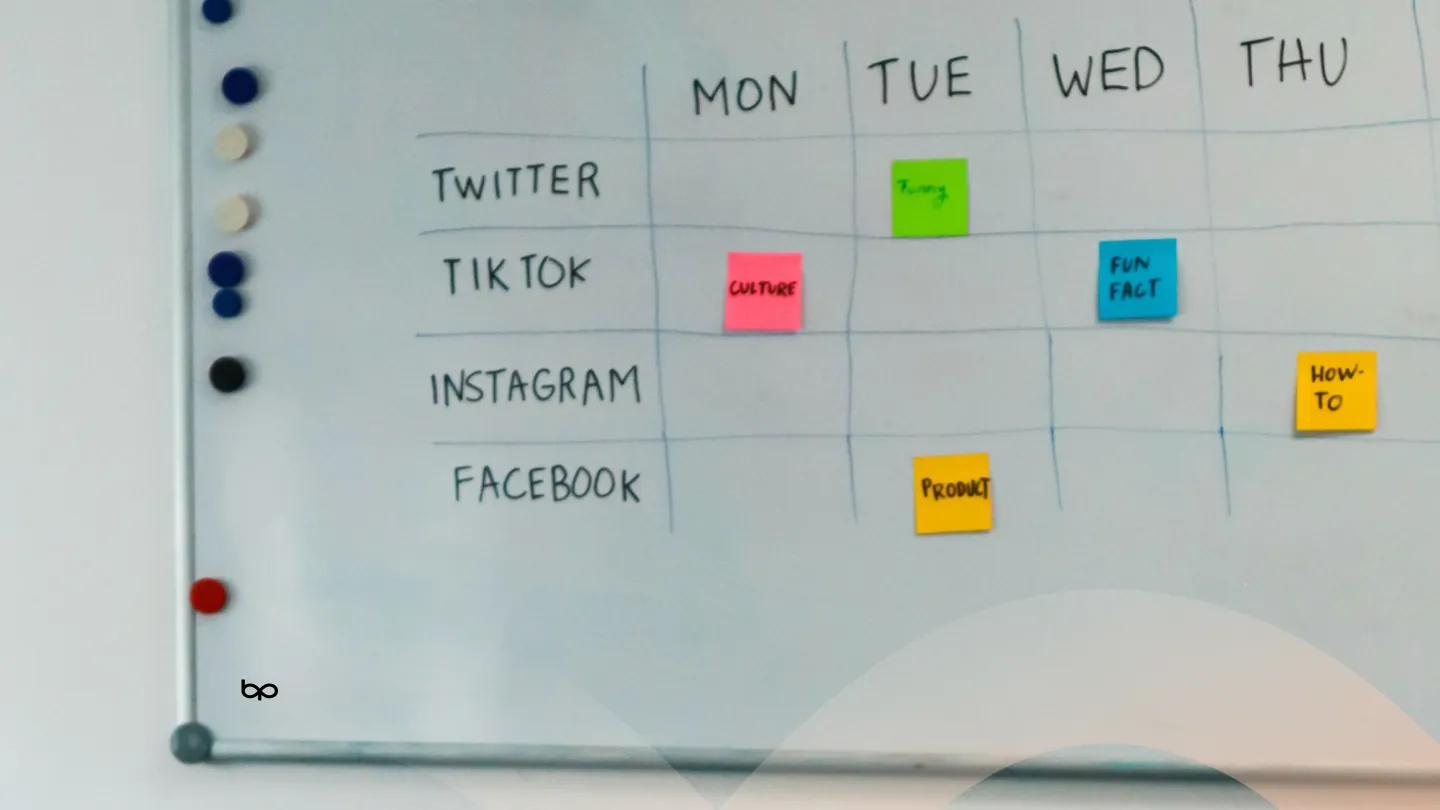
See the whole month on one calendar, fill it in bulk from a spreadsheet and let each post go out at the time you set.
Manage multiple social media accounts in one app
Whether it is five accounts of your own or fifty belonging to clients, you should not have to pick them one at a time for every post. Get a second opinion before anything goes live, and show clients their posts without handing out logins.
Reply to comments and messages from one shared Inbox
Good social media engagement tools save you from opening every app to see who wrote to you. Comments on your published posts, direct messages and reviews come together in one place, on the networks that allow it.
Compare every channel in one dashboard, see when your audience is most engaged, and measure each period against the one before it.
Automate your social media publishing
Let posts repeat on a schedule, fill your queue without picking times, turn an RSS feed into posts and connect the tools and AI assistants you already use.
Write your post in one simple editor, add photos or videos, pick your channels and hit publish. No technical skills needed. Customize it per platform, then post now or schedule it across every account at once. Connect Facebook, Instagram, X / Twitter, TikTok, YouTube, Threads, Bluesky, Pinterest, Google Business, LinkedIn, Mastodon, Discord, Telegram, Tumblr, and Snapchat: one login, one social media dashboard, one place to check what actually went out.
The same idea rarely reads the same everywhere. Write your post once, then change the wording, the media, the hashtags or the link for any channel without starting over or opening a second tab. Keep LinkedIn professional, Instagram visual and X short, all from one draft, and see each version side by side.
Plan a whole thread on one screen: split your points into parts, attach images or video to any of them, reorder them, and publish the chain in order on X, Threads, Bluesky and Mastodon. Schedule threads just like any other post, and see how each part will look before it goes out.
Schedule Instagram and Facebook Stories, Reels, carousels, YouTube Shorts, TikTok videos, Snapchat Stories and Spotlight from the same composer you use for everything else, so your short-form video plan sits next to your feed plan. We check each video against the platform's rules before it goes out.
Keep the caption clean and let hashtags, links or credits land in the first comment instead. Write it next to the post and it posts itself as soon as the post goes live, on the networks that allow comments. A favourite trick for Instagram hashtags and for LinkedIn and Facebook posts that share a link.
Set what each network actually asks for: YouTube title, category, privacy and playlist, Pinterest board and destination link, Google Business call-to-action buttons, TikTok privacy and reply settings, Instagram collaborators and paid partnership labels. Everything you would set in each app, without leaving one screen.
See every post rendered the way your followers will see it, network by network, before it goes anywhere. Paste a URL and the title, description and thumbnail load right there too, so you catch a cut-off caption, a badly cropped image or the wrong link card while you can still fix it.
Stuck on the wording? Ask the caption assistant for a first draft, a shorter cut, hashtag ideas or a casual, professional or funny tone, then edit it into your own voice before you schedule it. Great for turning one idea into captions for every platform in seconds. You always decide what gets posted.
Save the post formats you write again and again, such as a product launch, a weekly tip or an event reminder, as templates and start each post from one. Keep your favourite hashtag sets in groups and add a whole set to any post in one click. Consistent branding, less typing.
Keep all your images, GIFs and videos in one place and reuse them in any post. Upload once, search and preview your files, and pick them straight from the composer. We check each file against every network's size, format and length rules before it goes out, so an upload never fails at publish time.
See every scheduled, published and draft post on a month, week or list view of your social media calendar. Drag a post to a new day to reschedule it, spot the gaps in your content plan, and fill them before they happen. Plan campaigns, launches and holidays in one view. It's the one screen most teams keep open all day.
Pick a date and time, or drop the post into your next open slot. Schedule social media posts weeks or months in advance, in your audience's time zone, and they publish on time while you get on with your day. Save drafts, reschedule with a click, or publish right away. See every upcoming post in your queue and calendar.
Schedule each post in the time zone that matters for that audience. Pick it once on the post and your morning slot stays a morning slot, wherever you happen to be working from. Ideal for global brands, remote teams and agencies whose clients sit in a different country from them.
Pin notes to any day on your content calendar: product launches, sales, holidays, events and campaign deadlines. Your whole team sees them next to the posts, so everyone plans content around the moments that matter and nothing important goes unposted.
Colour-code posts by campaign, client, product or content type with your own custom labels. Then filter your post list and analytics to see just that slice, so you know exactly how a campaign is doing and what is still left to schedule. Find any post in seconds across all your channels.
Plan a week or a month of social media content in one sitting. Bulk Compose puts a whole batch of posts in one view: write each one, attach media, set per-post channels and publish times, then publish, queue or schedule them all together. Batching content this way saves hours for busy small business owners, creators and agency teams.
Upload a CSV spreadsheet to create dozens or hundreds of posts at once. Bring in your captions, publish dates and times, links and media, check everything in a preview before it saves, then schedule or queue it all across every channel. Perfect for moving a content calendar out of a spreadsheet, or away from another scheduling tool.
Run several brands, businesses or client accounts from one login. Each organization gets its own social accounts, calendar, media library, posts and team, so nothing gets posted to the wrong place. Switch between them in one click. Built for agencies, freelancers, franchises and multi-location businesses managing many social media profiles.
Send your client a one-time link and they connect their own Facebook, Instagram, LinkedIn or other social accounts to your workspace themselves. No shared passwords, no account for them to create, and no screen-sharing calls. The fastest way for an agency or freelancer to onboard a new client.
Send drafts for review before anything reaches a live account. Your teammate, manager or client approves it or sends it back with a reason, and only approved posts publish. Everyone sees what is waiting, and approvers get a notification the moment a post needs them. Ideal for agencies, brands and regulated businesses.
Share a private link to one post, a batch or your whole upcoming schedule, and your client sees exactly how each post will look on every platform. No account, login or password needed on their side. Remove the link whenever you like. The easiest way for agencies and freelancers to get client sign-off on social media content.
We tell you when a post fails, a social account needs reconnecting, or a post is waiting for your approval, by email and in the app. You also hear when posts publish and when a teammate needs you. Choose which notifications you get, and you find out about a problem before your audience notices a missed post.
Group the accounts you always post to together, by brand, client, region or language, then pick the whole set in one click instead of ticking the same eight boxes every single time. Perfect when one business runs a Facebook page, an Instagram account, a LinkedIn page and more side by side.
Invite teammates and give each person the right level of access: admins manage everything, contributors create and schedule posts, approvers review them before they publish, and viewers can look without changing anything. Collaborate on your social media without handing over your passwords.
On Pro and Business, read the comments on your published posts and reply to them without leaving BulkPublish. Every post keeps its comment thread right next to its analytics, so you can answer questions, thank people for feedback and keep the conversation going while the post is still getting attention. Replies go out from the account that published the post, on the networks that allow it, so you can keep up with engagement across your channels without opening every app.
On Pro and Business, one social inbox gathers direct messages, reviews and comment threads from your connected channels, on the networks that allow it. Read and answer everything from one screen, with unread counts that show what still needs a reply.
Answer the questions you get every day in one click. Save your best replies once, fill in the person's name, their handle or the network with built-in variables, and drop one into any conversation or comment from the Inbox. Edit it before sending when the moment needs a personal touch.
Hand each conversation to the teammate who should answer it, and they are notified straight away. Snooze a thread until you can deal with it, mark it done once it is handled, search past conversations and update a whole selection at once, so nothing sits in the Inbox unanswered.
Leave notes for your team on any Inbox conversation or scheduled post. Your customers and clients never see them. @mention a teammate to pull them in and they get a notification that takes them straight to the right place, so questions get answered without a side chat.
See impressions, reach, likes, comments, shares and clicks from every platform that reports them, in one simple analytics dashboard. Find your top-performing posts, compare channels, filter by date range, and track follower growth over time. Export reports to CSV for clients or your boss. No spreadsheets, no switching between apps.
See which days and hours bring your posts the most engagement. The heatmap lays out your week hour by hour in your own time zone, shaded by average engagement per post or by how often you posted, so you can schedule the next ones for when your audience is actually there.
Turn on Compare and every number shows how it moved against the period just before it: this week against last week, these 14 days against the 14 before. Spot what is growing, what has slipped and whether a new campaign actually made a difference.
Narrow your analytics to the channels, networks, labels, media type or post format you care about, over the last 7 or 30 days or a range you choose. Your filters travel with the link, so a teammate or client you send it to sees exactly the same view.
On Pro and Business, swap the links in your posts for short bulkpubli.sh links and see which posts actually sent people to your site. Click totals update every 15 minutes, per post and per channel. Campaign UTM tags are added for you too, so that traffic shows up properly in the analytics you already use.
Evergreen tips, weekly promotions, Monday motivation, monthly reminders: set up a recurring post once to repeat daily, weekly or monthly at the time you choose, and it keeps going out without you. Pause, edit or stop a series any time. Your best content keeps working for you long after the first time you posted it.
Not sure when to post? Add a post to the queue and BulkPublish drops it into the next open slot: between 9am and 8pm in your time zone, at least two hours after the last one, and no more than five a day. Your feed keeps a steady rhythm without you doing the arithmetic, and any post can still get an exact time of your own.
Point BulkPublish at an RSS feed and every new item becomes a post on your chosen channels. Choose how the caption and image are built, then let posts publish automatically or land as drafts for you to review first. Ideal for blogs, news sites, podcasts, YouTube channels and shops that already publish somewhere else.
Connect BulkPublish to the tools you already use. Zapier, Make, n8n and IFTTT can create and schedule posts when something happens elsewhere, such as a new product, a new blog article or a new row in a spreadsheet. The browser extension for Chrome, Firefox and Edge lets you share the page you are reading without opening the app.
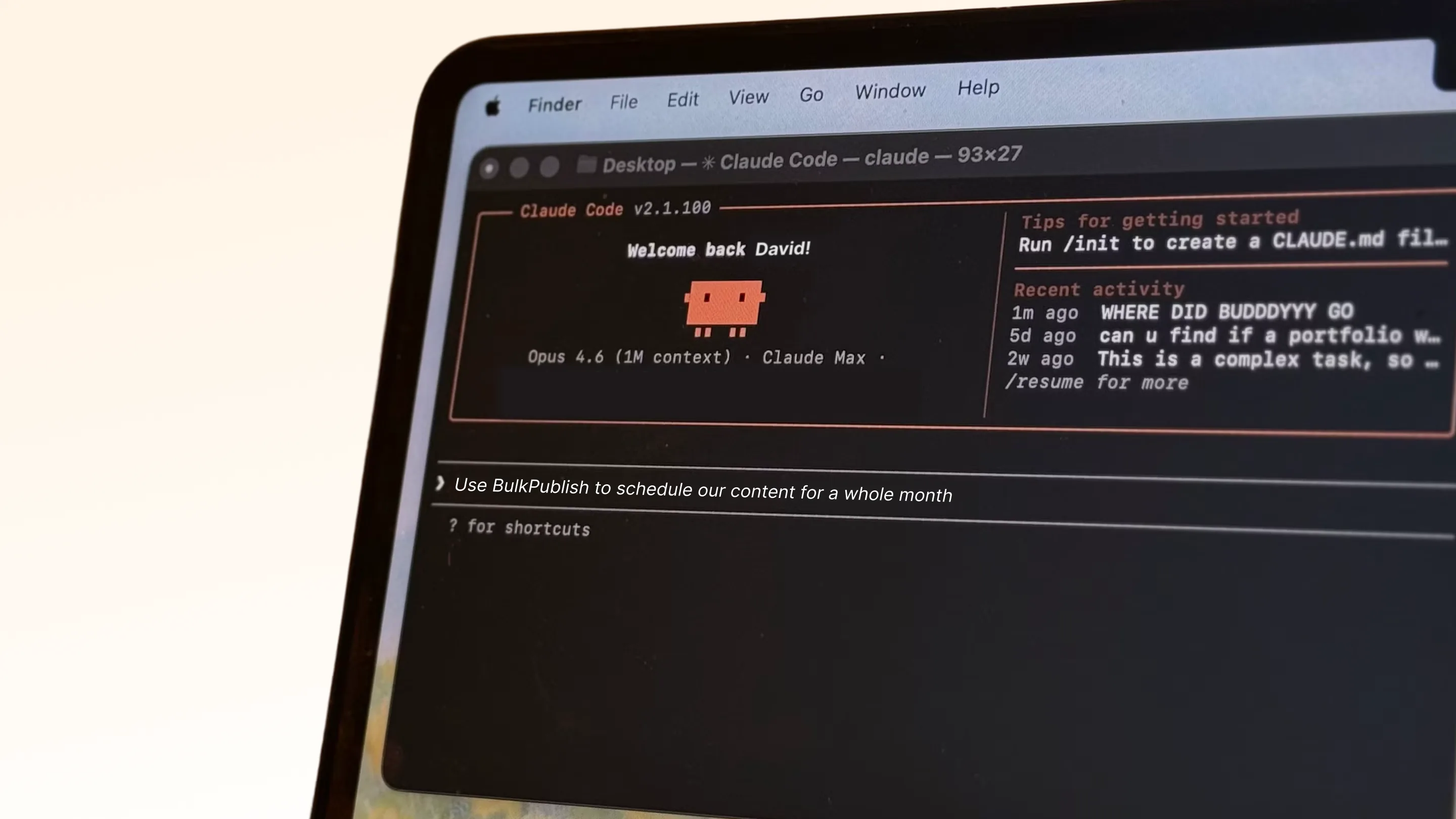
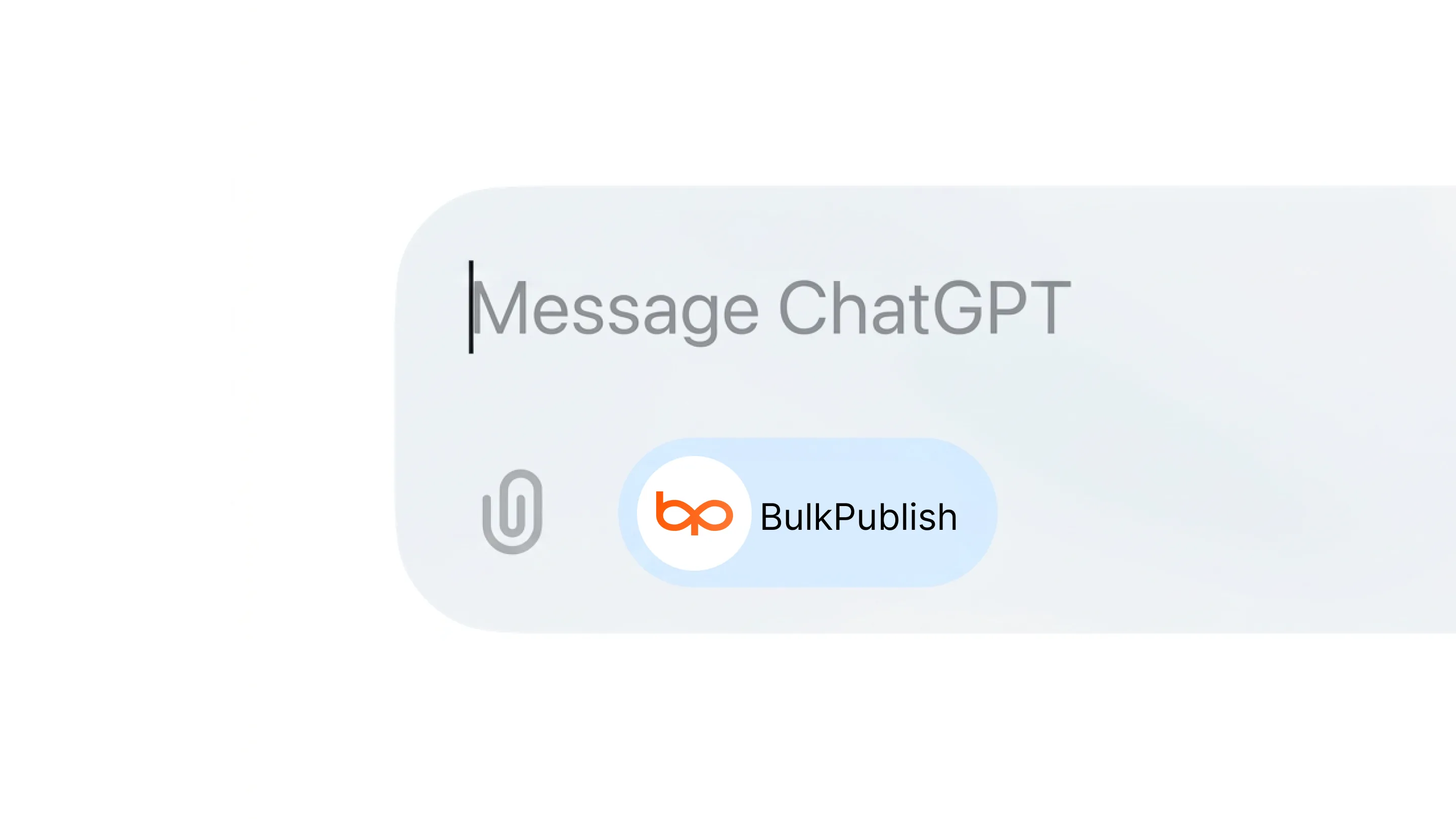
Prefer to delegate? Ask Claude or ChatGPT to draft and schedule a week of posts, and they land in the same calendar your team uses, ready to review. Developers get a full REST API with Node and Python SDKs. Everything is still just a click away in the dashboard.
Write your post in one simple editor, add photos or videos, pick your channels and hit publish. No technical skills needed. Customize it per platform, then post now or schedule it across every account at once. Connect Facebook, Instagram, X / Twitter, TikTok, YouTube, Threads, Bluesky, Pinterest, Google Business, LinkedIn, Mastodon, Discord, Telegram, Tumblr, and Snapchat: one login, one social media dashboard, one place to check what actually went out.
Post to all your social media at once
Connect each account once, then write a post and send it to all of them, shaped the way each platform expects. Pick a platform to see what you can publish there.
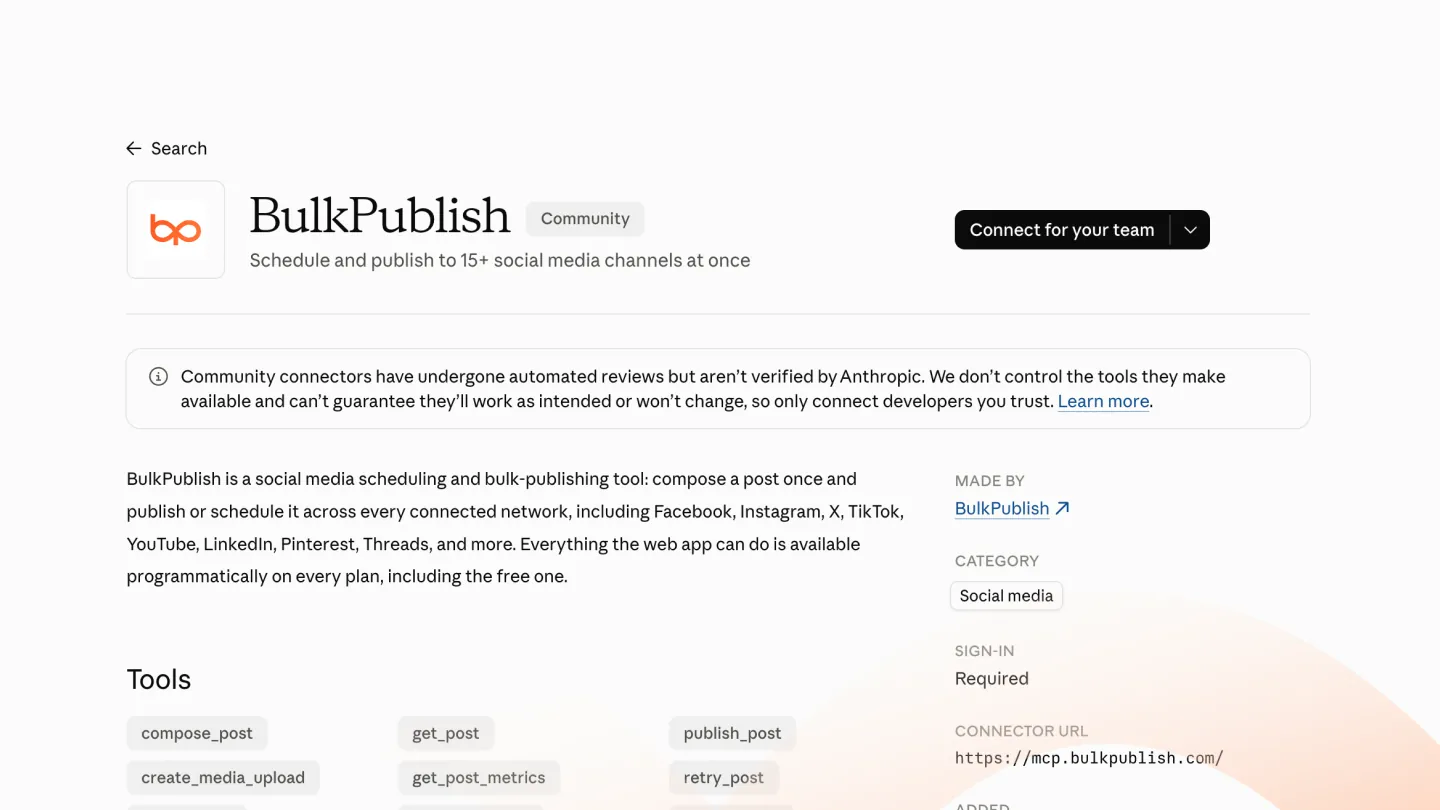
Add the BulkPublish connector to Claude and create, schedule and publish social media posts by describing them. Plan a week of posts, check what went out and read your analytics back without leaving the conversation.
Add the BulkPublish plugin to Grok Bot and ask it to draft, schedule and publish posts to every connected account. It can check what went out and read your analytics back in the same chat.
Install the BulkPublish plugin from the Cursor Marketplace and schedule launch posts, changelog announcements and threads to every connected account without leaving your editor.
Use BulkPublish as an IFTTT action to post to your social accounts automatically whenever an applet fires: a new blog post, a new video, or anything else IFTTT can watch.
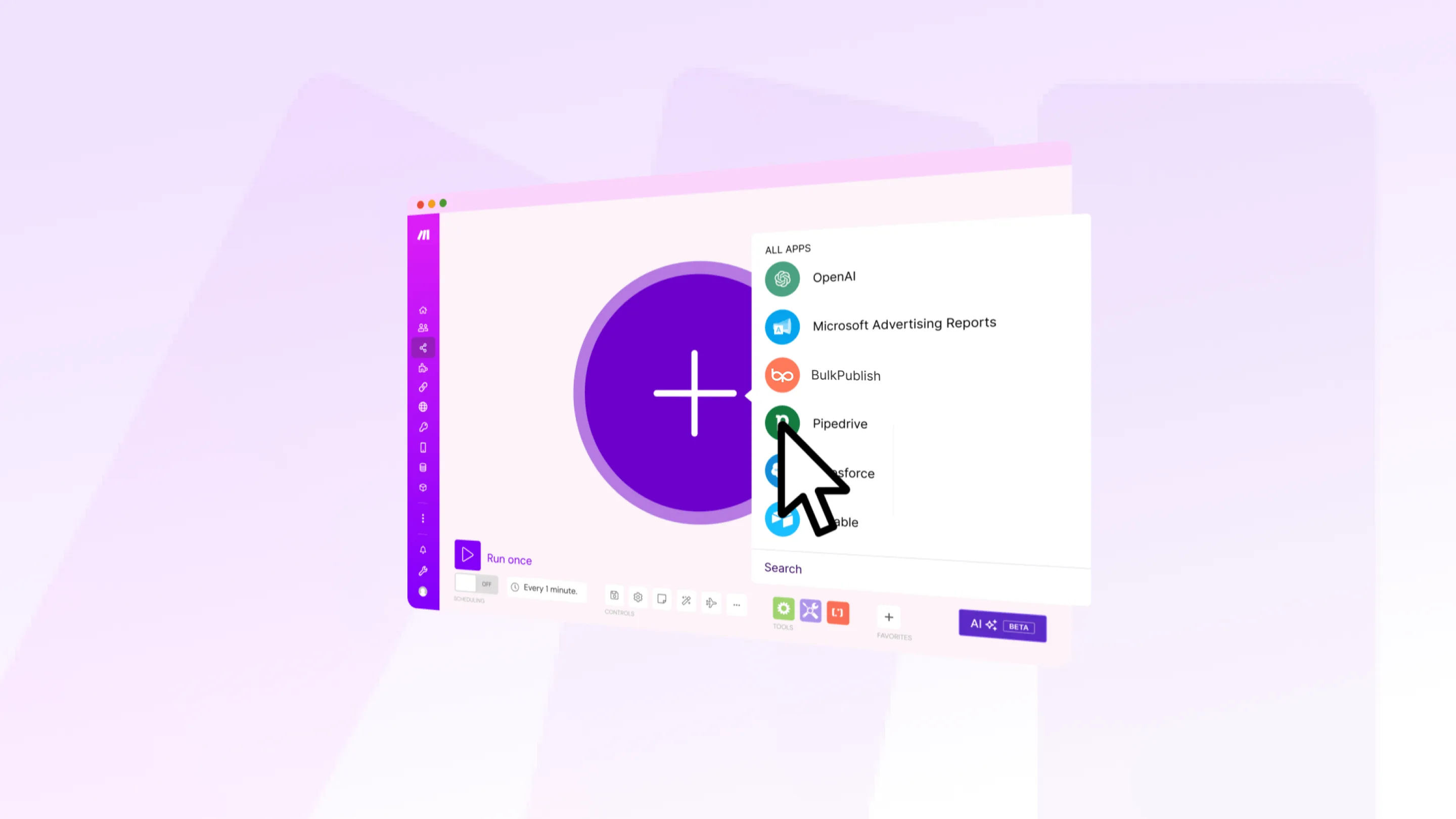
Add BulkPublish modules to a Make scenario to schedule social media posts, route them by label, handle errors and publish to every channel from one visual canvas.
Drop the BulkPublish node into any n8n workflow and publish social media posts from RSS feeds, webhooks or an AI agent, on n8n cloud or your own self-hosted n8n.
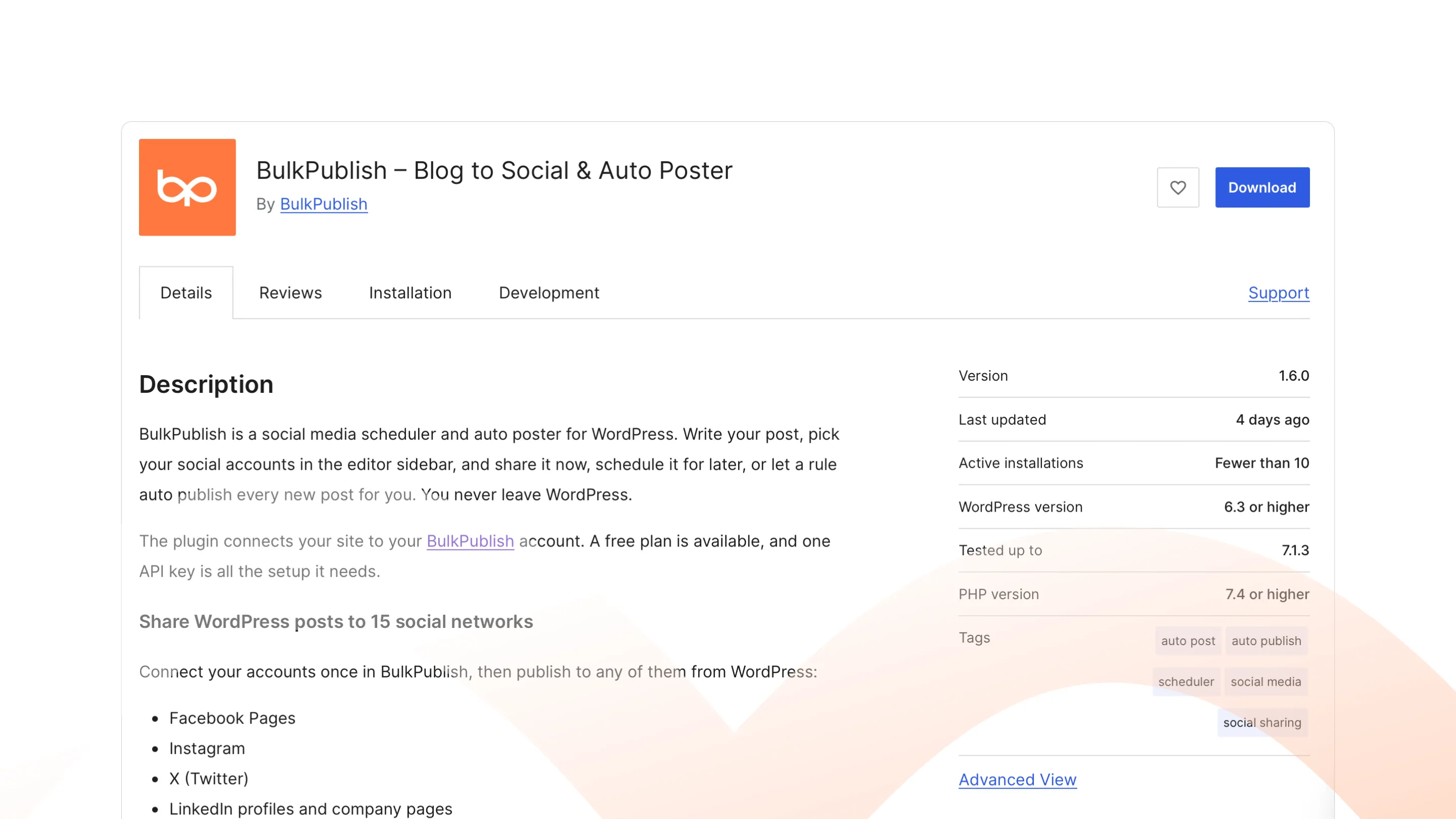
Install the BulkPublish plugin from WordPress.org and share each new post to your social accounts from the editor, or automatically by category, tag or post type.
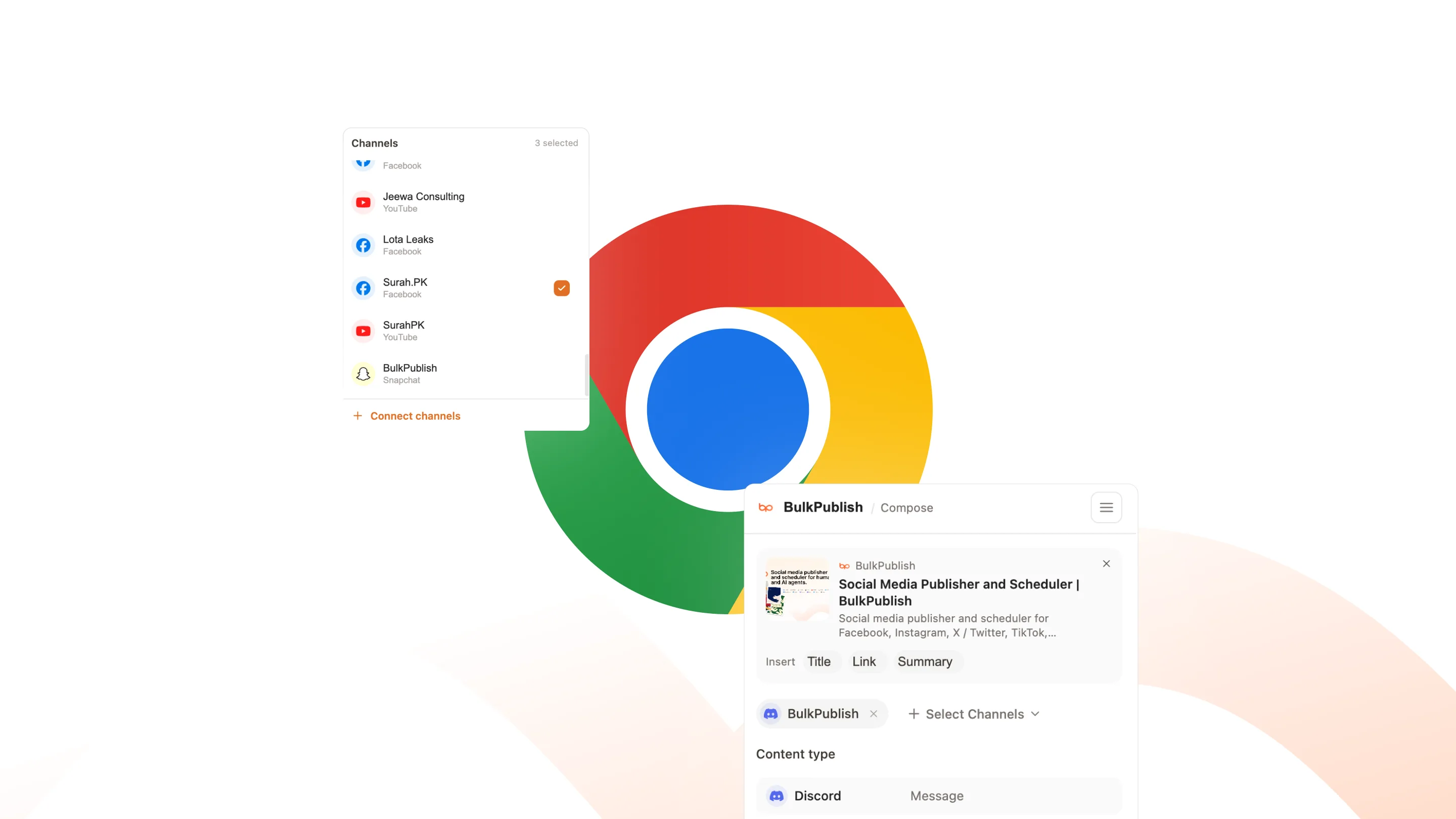
Add the BulkPublish extension to Chrome and turn the tab you have open into a post. The title, link and image are filled in, so you only write the part worth reading.
Point any MCP-compatible agent at one address and sign in. It can create, schedule and publish posts and read your analytics back, with no API key to paste.
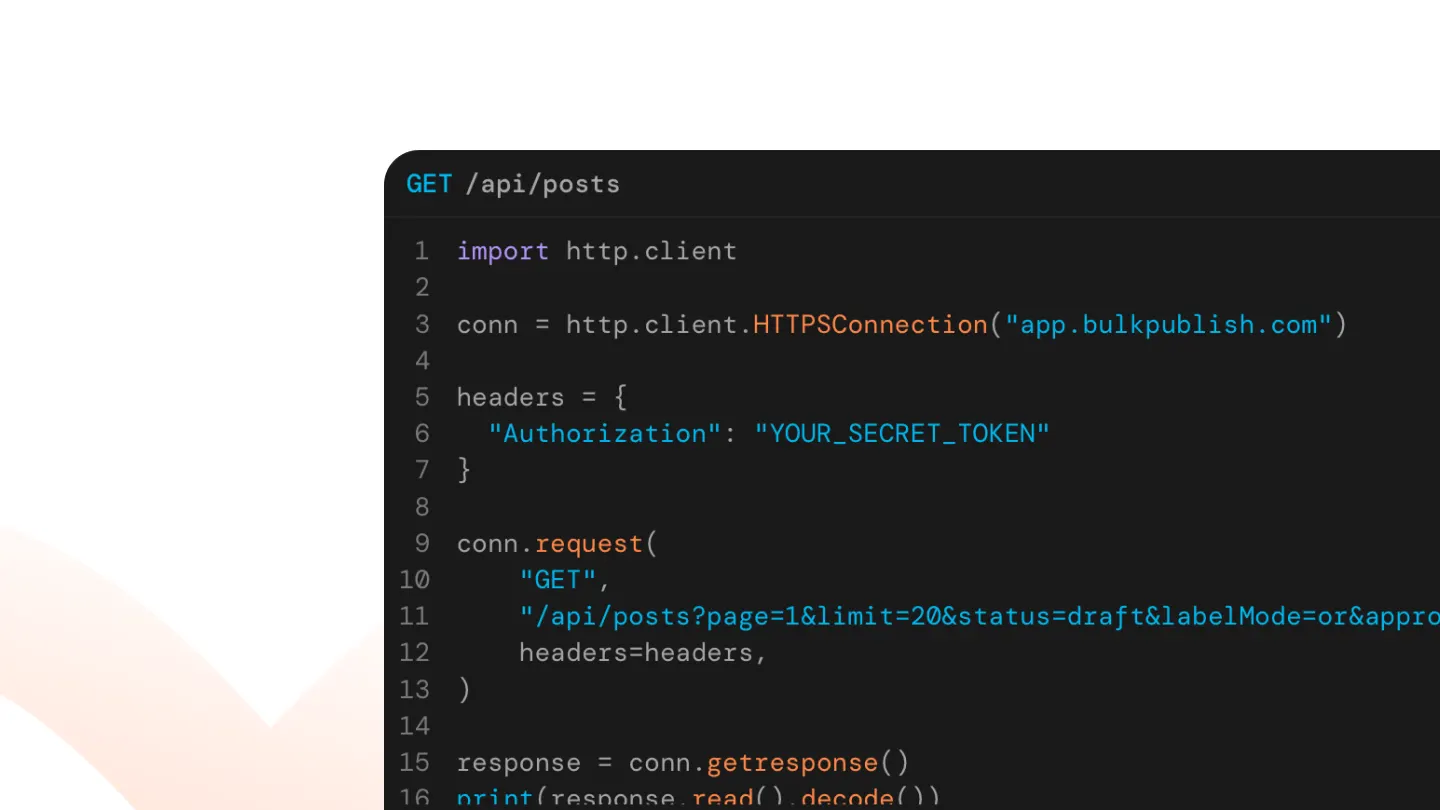
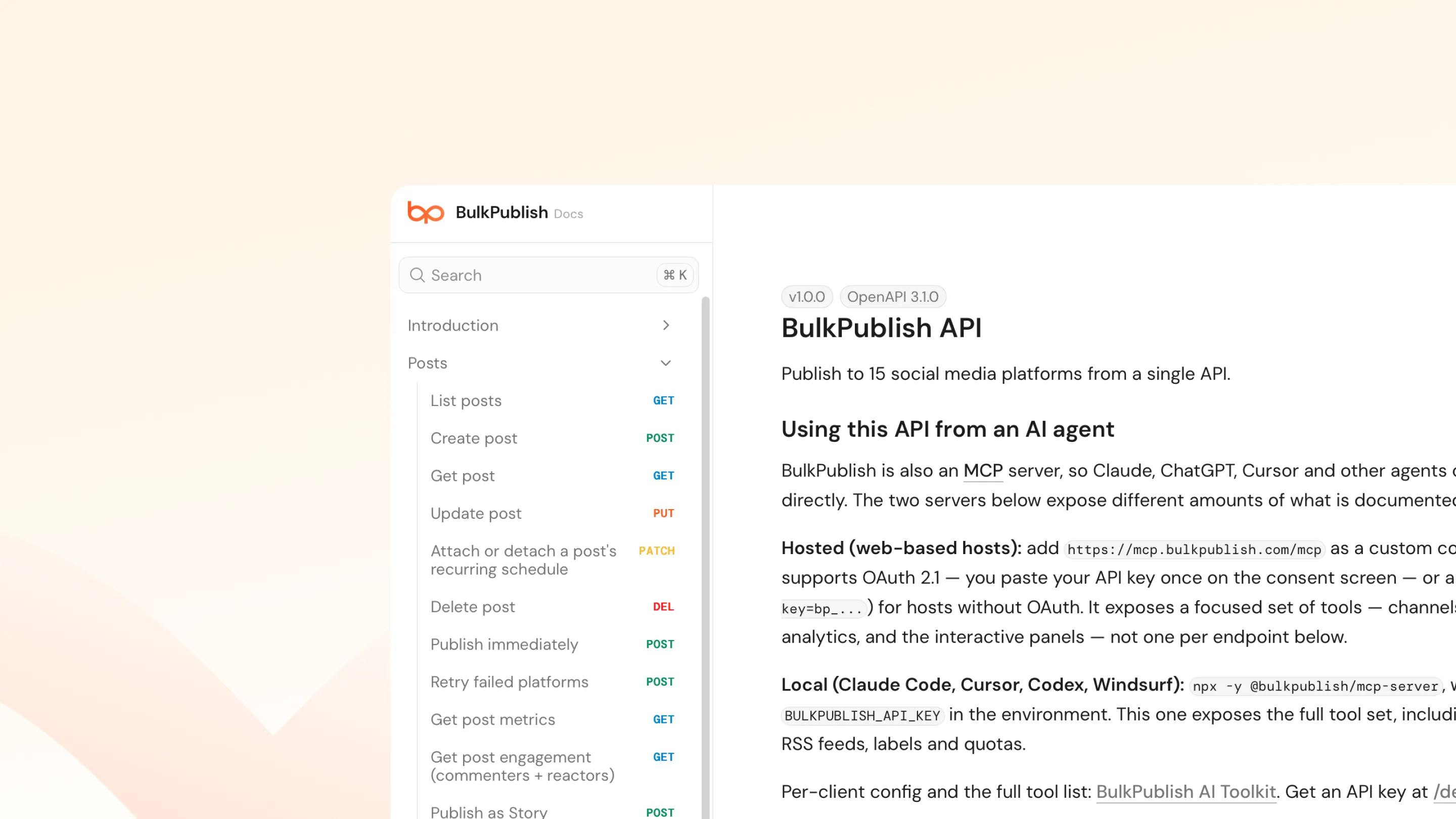
One REST API publishes to every network you connect. Create and schedule posts, upload media and read analytics from any language, with Node and Python SDKs ready to use.
Different businesses post different things. See how BulkPublish fits yours.
Agencies
BulkPublish is a social media scheduler for agencies. An agency does not have one account. It has a dozen, across several networks, for clients who each want to see the post before it goes out. BulkPublish is shaped around that: accounts group into sets, posts and media carry labels, and anything that needs sign-off waits until it has it. Connect each client once and the whole book of business is one calendar.
BulkPublish is a social media scheduler for small businesses. Most small businesses do not have a social media person. They have an owner, or somebody on the team, who posts when there is a spare hour, which is why the accounts go quiet for three weeks and then post four times in a day. BulkPublish turns that spare hour into a month: write a batch of posts in one sitting, give each one a time, and they go out to Facebook, Instagram, Google Business Profile and the rest while you get on with the business.
BulkPublish is a social media scheduler for social media managers. The job is volume: a content calendar that runs a month ahead, across six networks, with a campaign or two running through it and somebody asking for a report on Friday. BulkPublish creates a whole batch at once and checks every post against its own network before it is queued, groups accounts so a brand’s channels move together, and puts every network’s numbers in one place for the report.
BulkPublish is a social media scheduler for content creators. The work is making the thing; the chore is posting it five times, in five sizes, with five captions, at the hour each audience is awake. BulkPublish takes the file once, checks it against what YouTube, TikTok, Instagram, Threads and X each accept, and holds every version in one queue with its own caption and time. When the numbers come in, they come into one dashboard rather than five apps.
BulkPublish is a social media scheduler for online stores. A shop’s social feed is its shop window, and it is mostly the same photographs going to four different places at four different sizes. BulkPublish uploads each image once, checks it against what each network accepts, and queues the whole drop in one pass. Link clicks are measured on our own short links, so you can see which post did the work.
BulkPublish is a social media scheduler for freelancers. A freelancer’s calendar is two jobs at once: the posts you write for clients, and the posts that find you the next client. BulkPublish keeps them apart. Each client’s accounts sit in their own set, posts carry the client’s label, and anything the client needs to see can wait for their approval, while your own LinkedIn and Threads run on a slot of their own.
BulkPublish is a social media API for developers. Every network has its own API, its own auth dance and its own opinion about what a post is. BulkPublish is one API in front of all of them, with the same validation the app runs, so a caption that is too long comes back as an error rather than as a post that never appeared. There are SDKs if you want them and a plain REST API if you do not.
BulkPublish is a social media API for AI agents. An agent that can write a post still has to get it onto a network, and every network has its own API, its own sign-in and its own rules about what a post is. BulkPublish gives an agent one place to do it: a hosted MCP server for assistants like Claude, ChatGPT and Cursor, and a REST API for agents you write yourself. Every post is checked against its network before it is queued, so an agent gets an error it can act on rather than a post that silently never appeared.
1 post per day (30/mo), each to every channel except X
3 scheduled posts
100 MB media storage
API access (10 requests/day)
1 organization
50 AI captions / mo + credits
1 RSS feed (draft only)
No repeat posts
No client review links or client connect links
No comment replies or social inbox
Free includes 3 channels (1 per platform). Need more? Add extra channel slots for $2.99 / mo each, on any platform. Slots you stop using are not renewed.
X: about 660 text posts a month included, then credits
5 channels per platform
Unlimited posts, except X
100 scheduled per day
10 GB media storage
10 API keys (50,000 requests/day)
10 organizations
1,000 AI captions / mo + credits
50 RSS feeds, auto-publish
Unlimited repeat posts
Client review links and client connect links
Comment replies and a team social inbox
Business includes 5 channels per platform. Need more? Add extra channel slots for $2.99 / mo each, on any platform. Slots you stop using are not renewed.
All plans include Facebook, Instagram, TikTok, YouTube, Threads, Bluesky, Pinterest, Google Business, LinkedIn, Mastodon, Discord, Telegram, Tumblr, and Snapchat. X (Twitter) charges for every post published to it, so X has its own monthly allowance, separate from your plan's post limits: about 200 text posts on Pro ($3 of X usage) and about 660 on Business ($10), renewing on your billing date. A post with a link uses more of it. Beyond that, and on Free, X posts use pay-as-you-go credits.
Frequently asked questions
Can I post to all my social media at once?
Yes. Write a post once, pick the accounts you want and publish to all of them in one go, or schedule it for later. You can change the wording, media or hashtags for any network before it goes out.
Is BulkPublish a social media scheduling tool?
Yes. BulkPublish is a social media publishing platform: you write posts, schedule them on a calendar and publish them to every connected network from one place. It also covers bulk uploads, approvals, analytics and a shared Inbox, so it goes well beyond scheduling.
Can I schedule posts to Instagram, TikTok, LinkedIn and more from one app?
Yes. Connect your accounts once and schedule to Facebook, Instagram, X / Twitter, TikTok, YouTube, Threads, Bluesky, Pinterest, Google Business, LinkedIn, Mastodon, Discord, Telegram, Tumblr, and Snapchat from one app, one calendar and one composer. Every network has its own scheduler page that shows what you can post there.
Yes. Write one post, then give any network its own caption, media or hashtags before it goes out. Everything else stays shared, so cross-posting does not mean copy and paste.
Yes, on every plan. Upload a CSV with your captions, dates, times, links and media, check the preview, then schedule the whole batch across your channels. Your plan's daily and monthly post limits still apply.
It depends on the plan: Free connects 3 accounts, Pro 30 and Business 75. Any plan can add extra channels for $2.99 / mo each. Channel sets and separate workspaces keep many accounts organised.
Does BulkPublish work for agencies managing several clients?
Yes. Keep each client in a separate workspace, group their accounts into channel sets, and let clients connect their own accounts through a link instead of sharing passwords. Client connect links and client review links are on Pro and Business.
Yes. Send a draft for review and only approved posts publish. A teammate or manager approves it or sends it back with a reason, and approvers are notified. Approvals need teammates, so they are for Pro and Business.
Yes, on every plan. See impressions, reach, likes, comments, shares and clicks from the networks that report them, find your top posts, compare channels and export the data to CSV.
Yes, on Pro and Business. Reply to comments on your published posts and answer direct messages and reviews from one shared Inbox, on the networks that allow it. You can assign conversations, leave internal notes and use saved replies.
Is there an API or an MCP server?
Yes, and the API is on every plan, Free included. Free allows 10 requests a day, Pro 5,000 and Business 50,000. The MCP server lets AI assistants schedule and publish for you.
Yes. The Free plan costs nothing and does not ask for a card. It connects 3 accounts, one per network, and each post can go to all of them. Pro and Business add more accounts, teammates, client tools and the shared Inbox.
A realistic social media setup for a business with no marketing team: which platforms to pick, how much to post, and how to batch a month in one sitting.
Six tools with a genuinely free plan, what each one actually gives you, and the catch that matters most for cross-posting: which platforms the free tier will not let you connect.
Seven tools with a real free plan, compared on the number that decides it: how much you can actually schedule, and whether the cap refills or resets.
Post everywhere your customers are
Connect your accounts once, write a post, and schedule it to every network you use from one calendar. Start on the free plan and upgrade when you grow.


 Claude
 ChatGPT

 Grok Bot

 Cursor
 IFTTT
 Make

 n8n

 Zapier
 WordPress.org
 Chrome Web Store
 GitHub
 Read the docs