If you run a small business, your social media problem is not strategy. It is that the person doing the posting is also doing the invoicing, and the account goes quiet for three weeks every time the business gets busy. Everything below is aimed at that, rather than at growth tactics. This is the plan. If you want to see how scheduling works for a small business in the product, the page for that is BulkPublish for small businesses.
How many platforms do you actually need?
Two, usually. Sometimes three.
The instinct is to be everywhere, and it is the fastest route to being nowhere. Two accounts posted consistently beat five accounts posted in bursts, because the gaps are what customers notice.
Pick from this shortlist:
| Business type | First platform | Second | Worth adding if you have time |
|---|---|---|---|
| Local, walk-in trade | Google Business Profile | ||
| Visual products | TikTok | ||
| Services to other businesses | Facebook or X | YouTube | |
| Food and hospitality | Google Business Profile | TikTok | |
| Trades and home services | Google Business Profile |
The one most small businesses under-use is the Google Business Profile, because it does not feel like social media. For anyone with a physical location or a service area, it is where people search with intent to buy, and posting to it is quick. There is a guide on scheduling Google Business posts if you want the mechanics.
How often should a small business post?
Two to three times a week per platform, forever, beats daily posting for a month and then silence.
Consistency is doing a specific job here. A customer who checks your page before calling is not counting your posts. They are checking whether the business is still open and still active. A page whose last post is from four months ago answers that question badly, and it is the most common own goal in small business social media.
If two a week feels like too much, do one. One post a week, every week, is a working strategy. Three posts a day for a fortnight is not.
What do you post when nothing is happening?
Most weeks nothing is happening, and that is fine. There are only about six kinds of post a small business ever needs, and they rotate:
- What you make or do, shown properly. A finished job, a product, a plate, a room.
- The work behind it. Process is more interesting than results to more people than you would think.
- A person. Whoever is on shift, whoever made the thing, you.
- A customer’s result, with their permission and something specific said about it.
- Something practical. An answer to the question you get asked constantly.
- Housekeeping. Opening hours over a holiday, a new phone number, a delivery delay. Boring and among the most read posts you will publish.
Write down which of those six goes in which slot and you never again face the blank box. There is a longer list in content ideas for social media, and the holiday calendar tool fills the predictable dates without any thinking.
How do you get a month done in one sitting?
This is the whole trick, and it takes an afternoon.
- Collect photos for an hour. Not staged. Whatever the last month of work actually looked like, plus a few deliberate shots of the things you sell.
- Write eight to twelve captions in one pass, using the six categories above. Writing them together is far faster than writing one a day, because you are not restarting each time.
- Schedule them across four weeks, spread rather than clustered, on the two or three days a week you settled on.
- Leave two gaps a week empty, for anything that actually happens. If nothing does, the month still looks full.
Two hours, and the account is handled until you next sit down. The failure mode of daily posting is that it needs willpower every day. The failure mode of this is that you forget to book the next afternoon, which is a calendar reminder rather than a character flaw.
Do you need to pay for a scheduler?
Not necessarily. Facebook, Instagram, Pinterest, YouTube and Google Business Profile all have native scheduling of some kind, and if you only use one platform, the native tool is fine and free.
The point at which a scheduler pays for itself is when you are on two or more platforms, because the alternative is logging into each of them for every post, and that is the specific friction that ends most small business posting streaks. There is a comparison of the two approaches in native versus third-party scheduling.
The short version
- Two platforms, chosen for where your customers already are.
- Two or three posts a week, indefinitely. One is fine. Silence is not.
- Rotate six post types so you never start from a blank page.
- Batch a month in one afternoon and leave a couple of gaps for real events.
- Use native tools if you are on one platform. Use a scheduler once you are on two.
Doing it all from one calendar
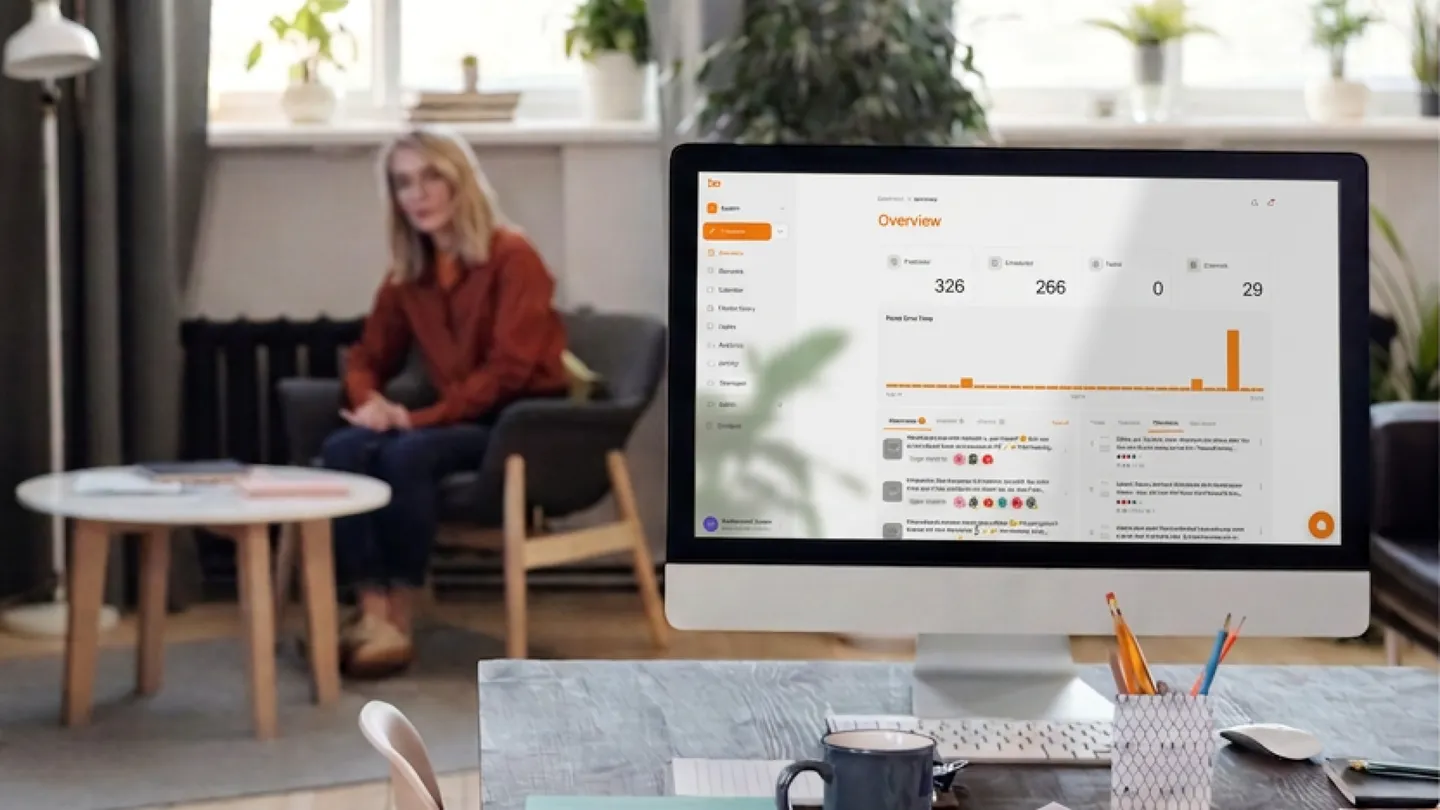
BulkPublish schedules to 15 networks, including Google Business Profile, from one calendar. The month you batch in an afternoon goes in as one batch, each post checked against its own network’s rules before it is queued, so a caption that is too long for one of them is caught while you can still fix it.
Channels: Free: 3 (1 per platform). Pro: 30 (2 per platform). Business: 75 (5 per platform). Posts: Free: 1/day. Pro: 30/day. Business: unlimited.
For most single-location businesses the free plan covers the two or three accounts that matter. The pricing page has the rest. If you run several locations or brands, the multi-location guide covers what changes.