
Publish to social media from anywhere, using BulkPublish
59 connections in total, with 15 publishing destinations plus the AI agents, automation platforms, plugins, browser extensions and SDKs that drive them.

Looking for a social network such as Instagram or TikTok? Each one has its own scheduler page. Browse all schedulers
Looking for the API or MCP server of a specific network, such as Instagram or LinkedIn? Each network has its own page. Browse the network APIs · Browse the network MCP pages
AI agents
Our hosted MCP server exposes 46 tools, so an agent can compose, schedule, publish, and read analytics on your behalf. Sign in with OAuth. No API key to copy around.
-
 Claude
-
 ChatGPT
-
 Grok
-
 Grok Bot
-
 Muse
-
 Manus
-
 Cue
-
 OpenAI dots
-
 Claude Duet
-
 Cursor
-
 Antigravity
-
 Codex CLI
-
 Gemini CLI
-
 Windsurf
-
 VS Code
-
 Cline
-
 Warp
-
 OpenClaw
-
 Hermes
Every one of these speaks MCP. Our guides cover the most common ones step by step, and any other MCP-compatible agent connects the same way.
Automation platforms
BulkPublish is a ready-made integration on every automation platform below. Trigger posts from a feed, a form, an order or anything else in your stack without writing glue code.
-

 n8n Drop the BulkPublish node into any n8n workflow and publish social media posts from RSS feeds, webhooks or an AI agent, on n8n cloud or your own self-hosted n8n.
-
 Zapier Connect BulkPublish to 6,000+ Zapier apps and publish social media posts automatically when something happens in the tools you already use.
-
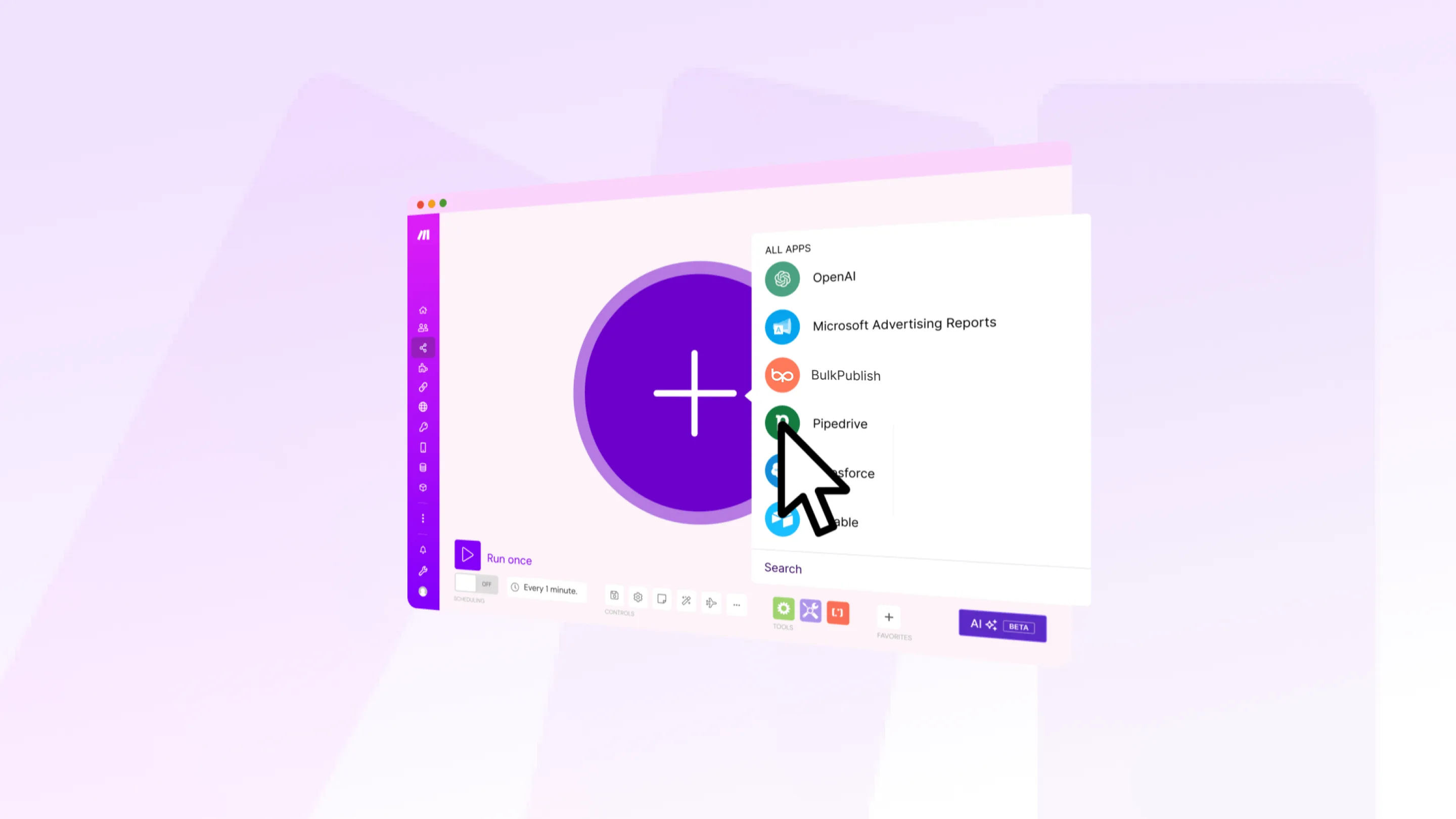
 Make Add BulkPublish modules to a Make scenario to schedule social media posts, route them by label, handle errors and publish to every channel from one visual canvas.
-
 IFTTT Use BulkPublish as an IFTTT action to post to your social accounts automatically whenever an applet fires: a new blog post, a new video, or anything else IFTTT can watch.
-
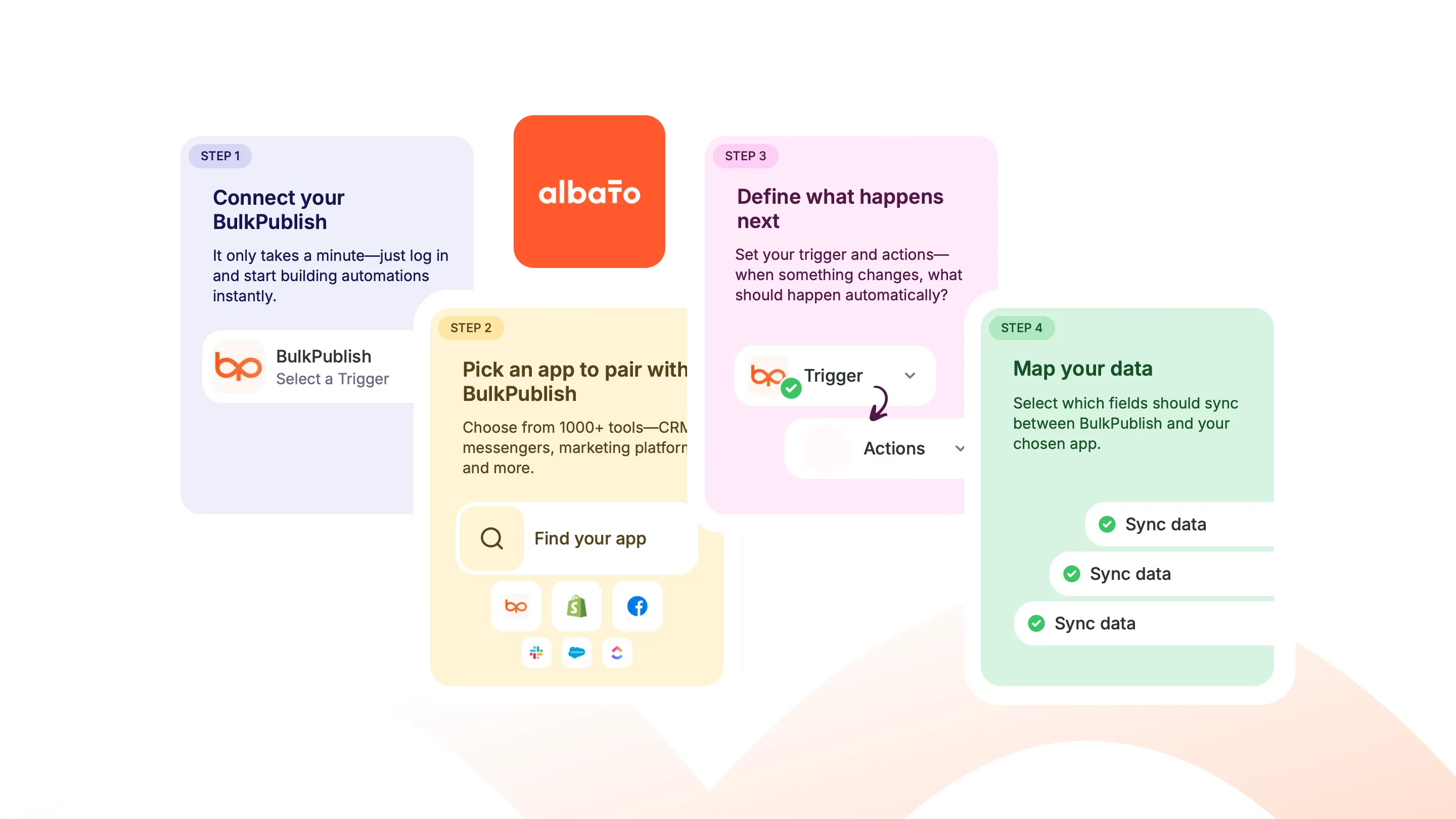
 Albato Use BulkPublish in an Albato workflow to create, publish or retry posts, and start a workflow when a post is scheduled, published or fails.
-
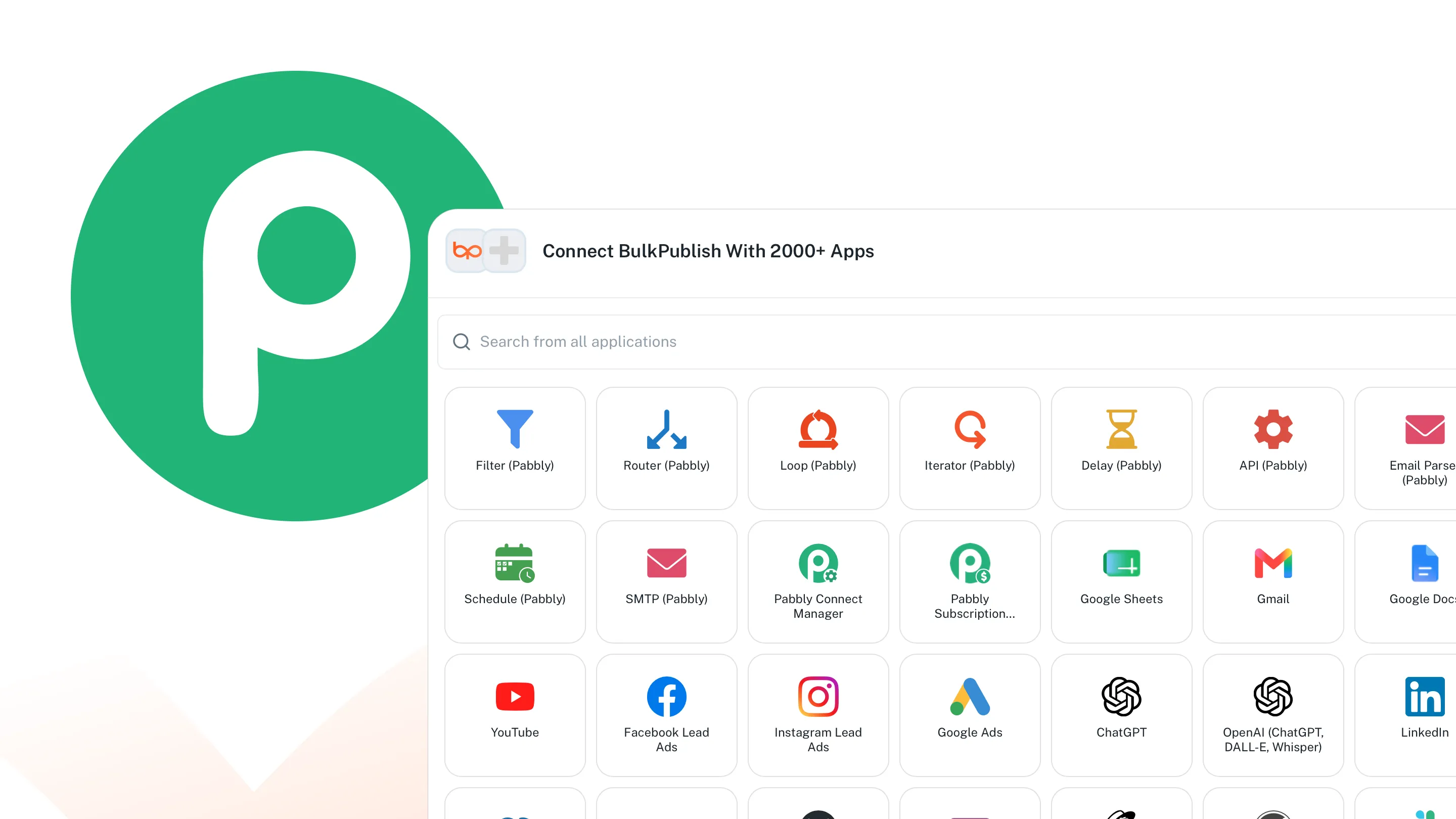
 Pabbly Connect Use BulkPublish in a Pabbly Connect workflow to create posts, upload media and publish, and start a workflow when a post is scheduled, published or fails.
Plugins
Publish from the apps where you already write and design. Most connect with an API key from your BulkPublish account, some sign in with the account itself, and a few run inside BulkPublish with nothing to install.
-
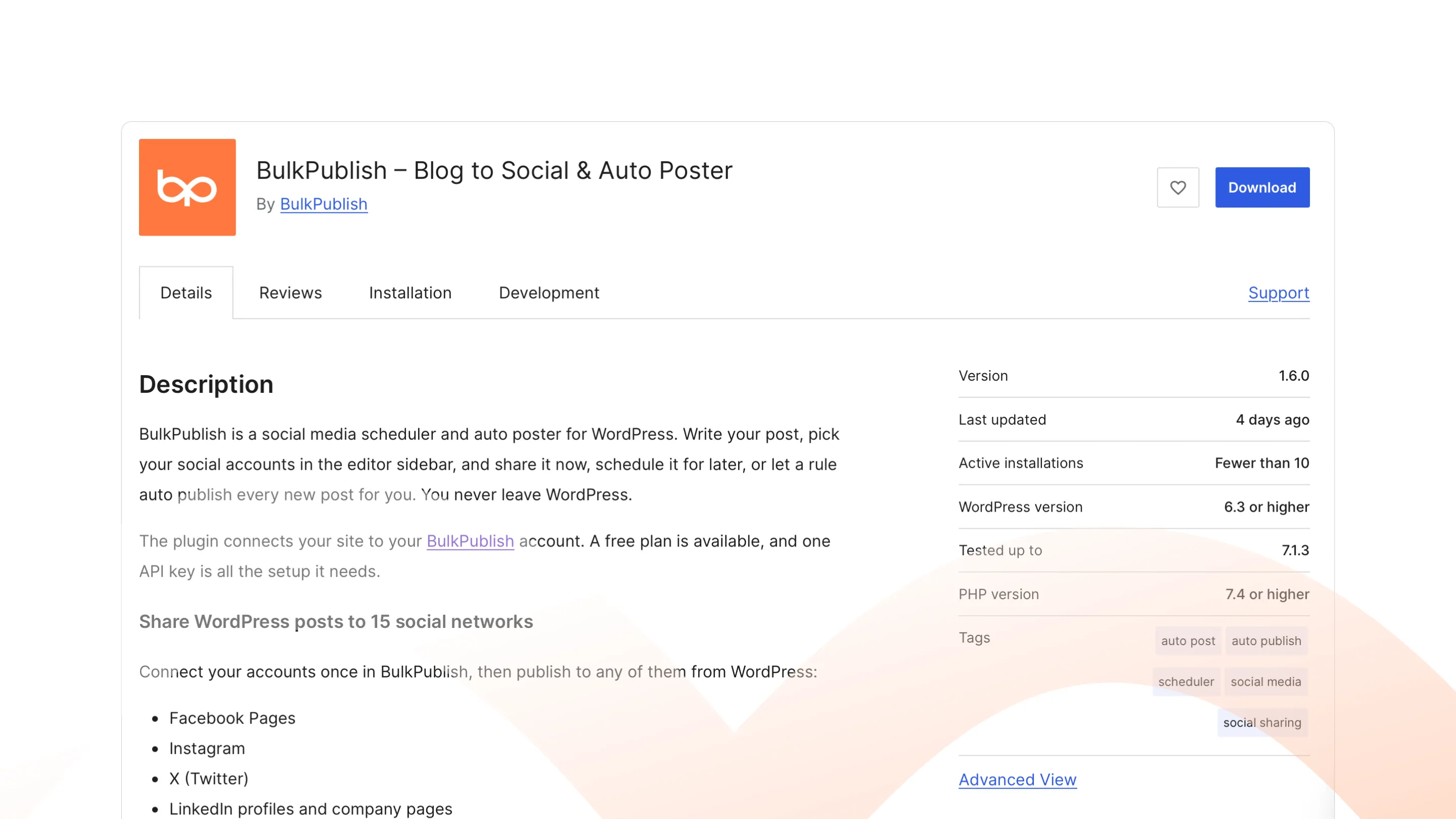
 WordPress Share posts to your social accounts from the editor sidebar, now, later or automatically. On WordPress.org.
-
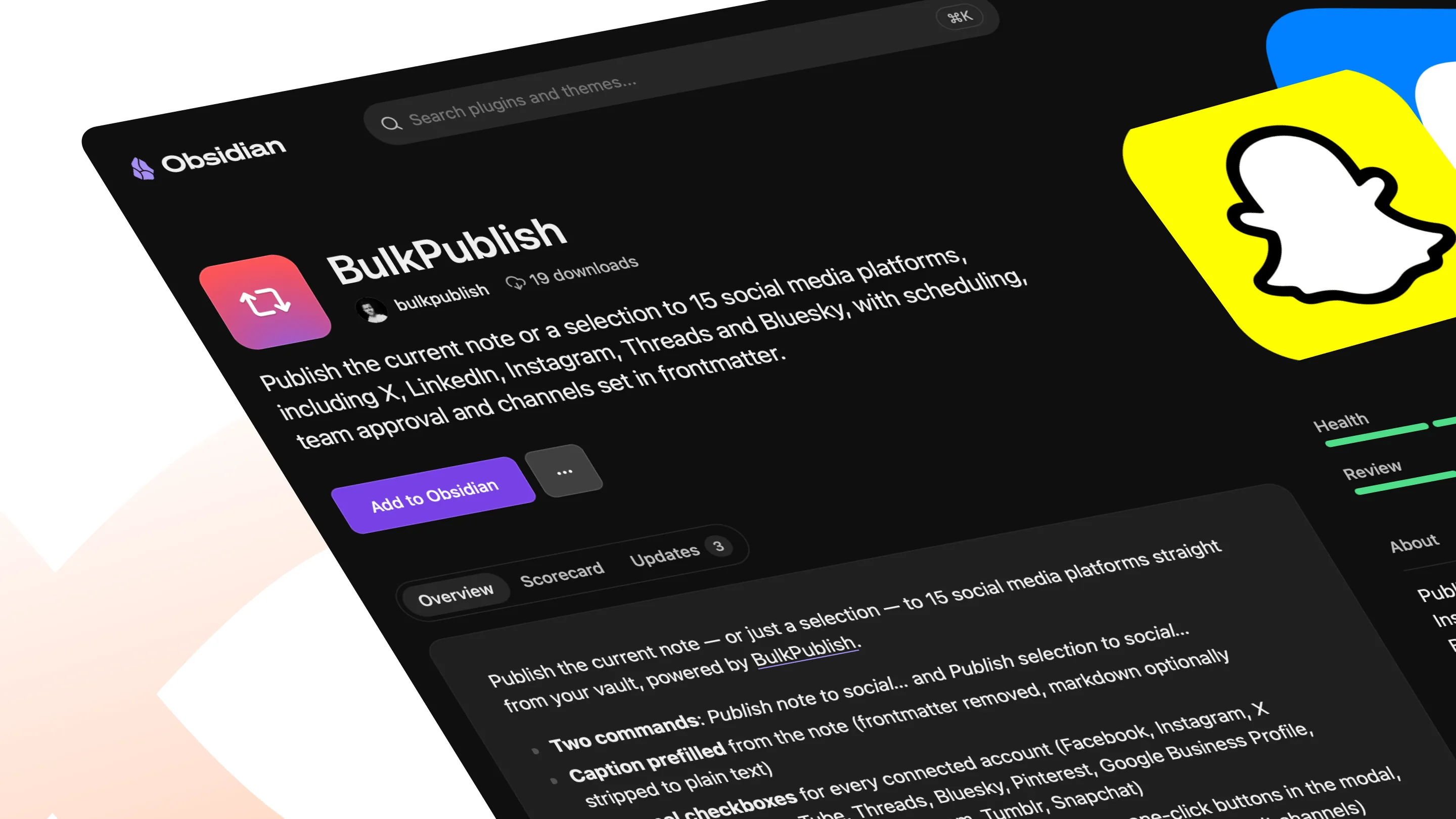
 Obsidian Publish or schedule a note to your social accounts without leaving your vault. In Obsidian Community Plugins.
-
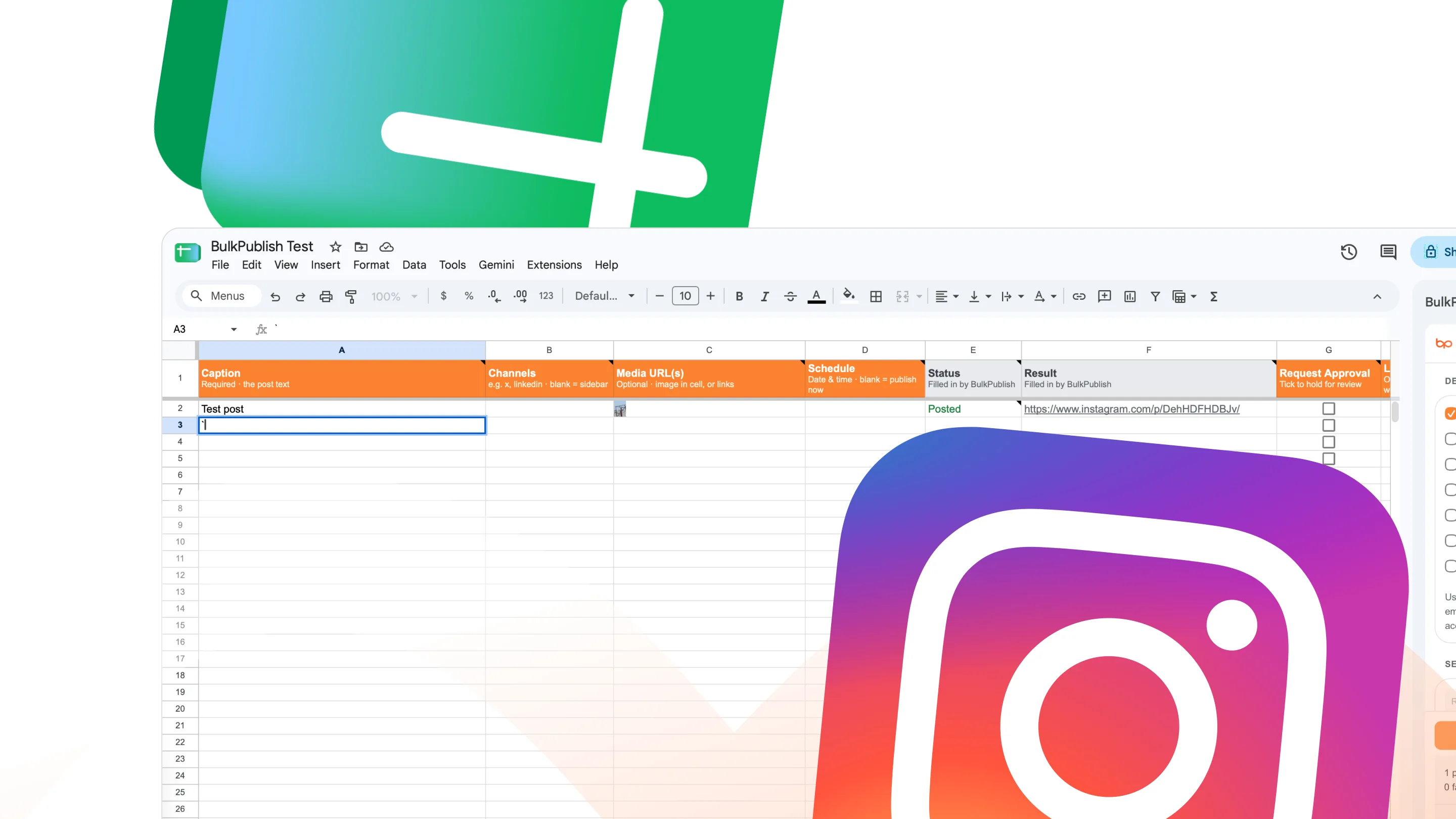
 Google Sheets Plan posts as rows in a spreadsheet, then publish or schedule the ones you select. On Google Workspace Marketplace.
-
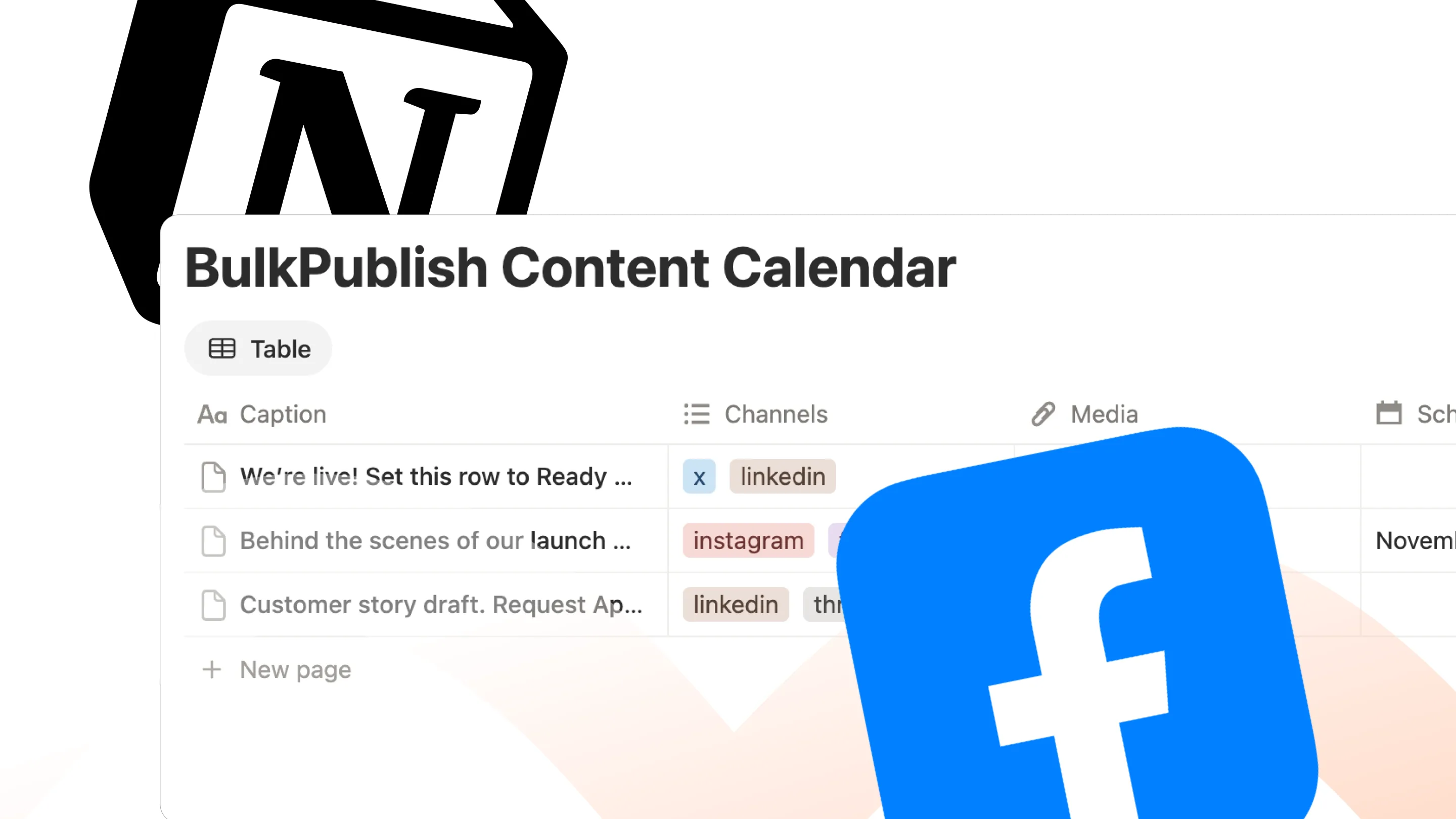
 Notion Set a database row to Ready and it publishes, with the status and links written back to the row. On the Notion Marketplace.
-
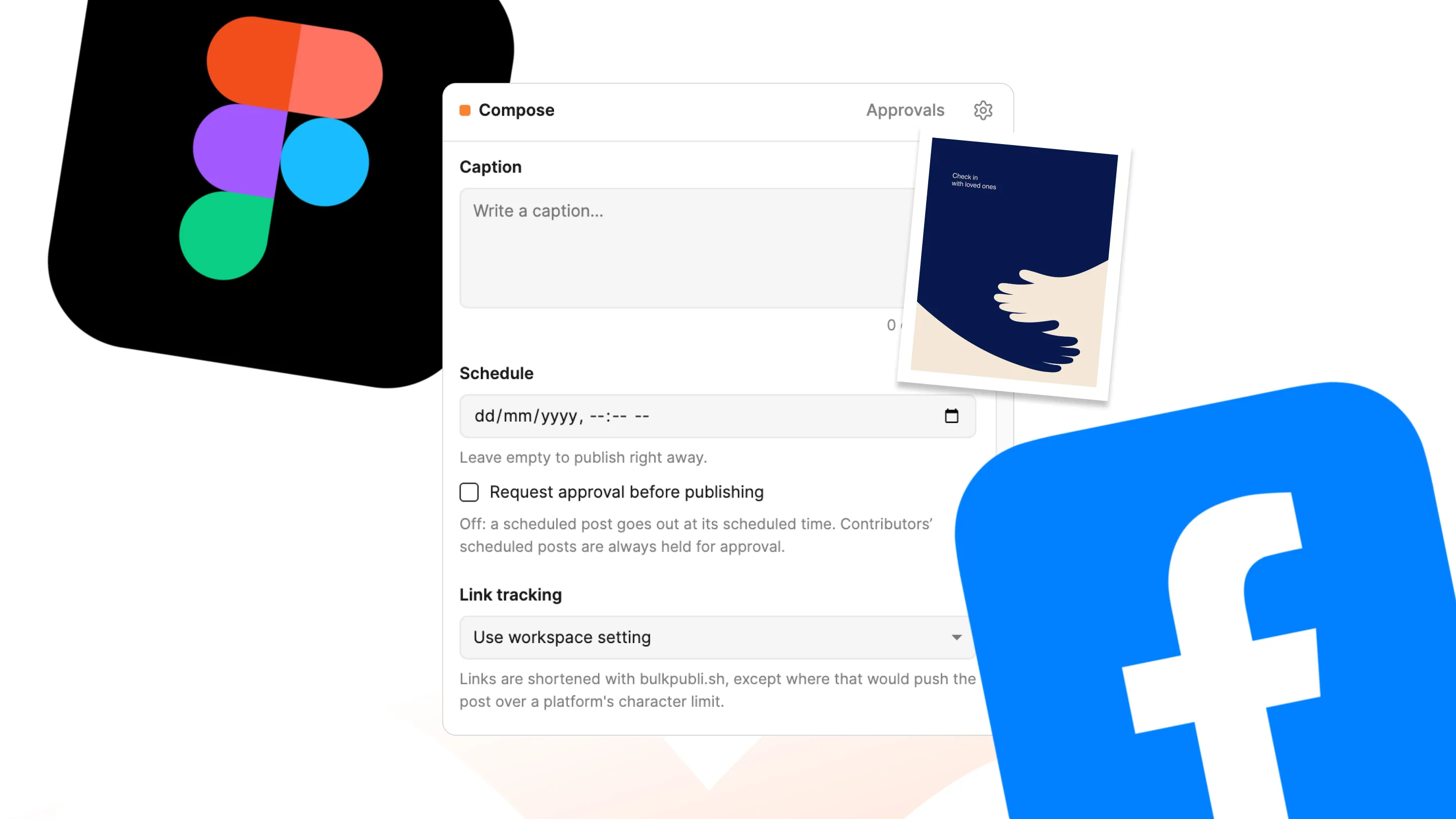
 Figma Publish or schedule the frames you select as images or a carousel, without exporting a file. In Figma Community.
-
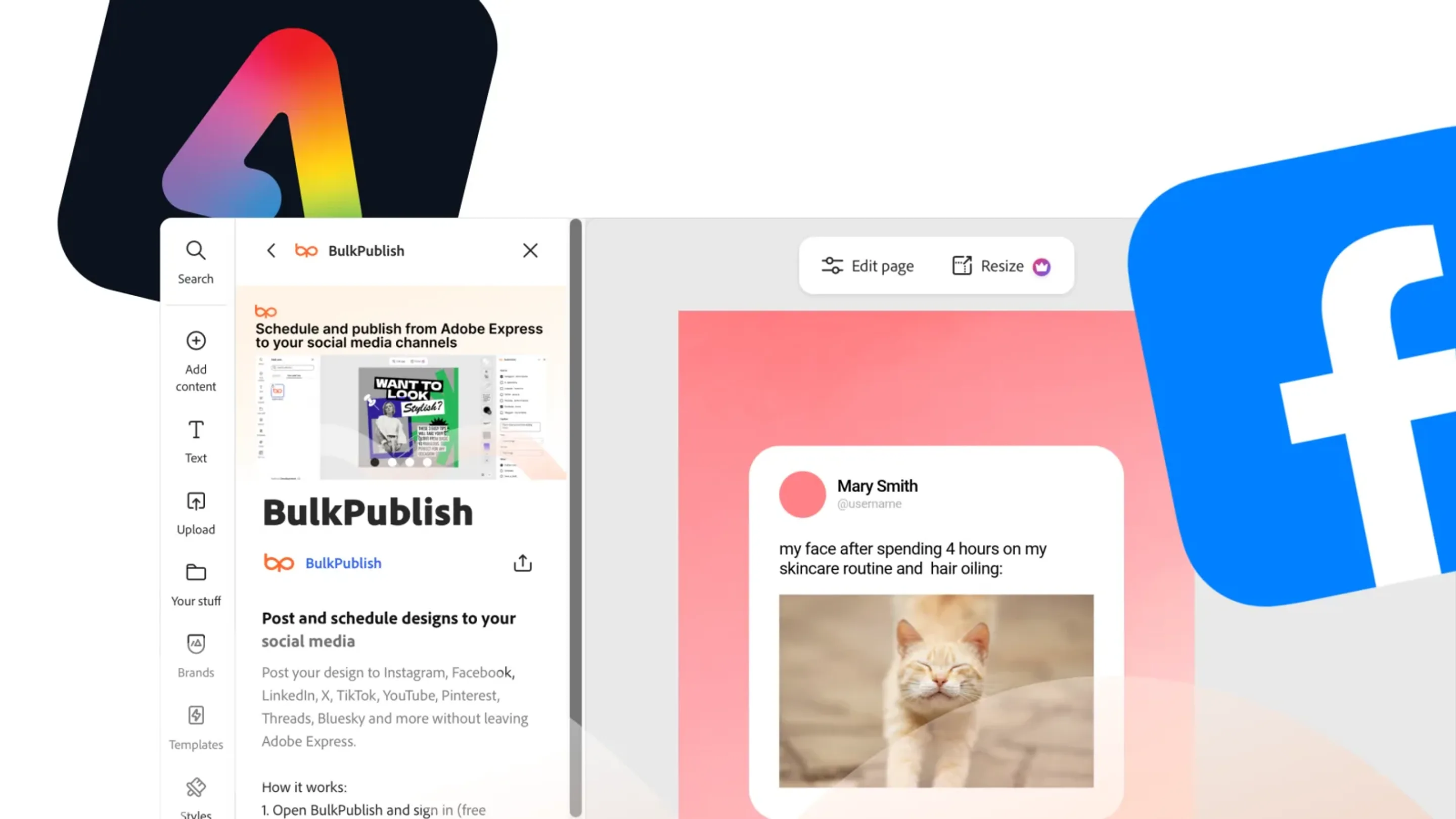
 Adobe Express Publish or schedule the design you are working on, as an image, carousel or video. In Adobe Express Add-ons.
-
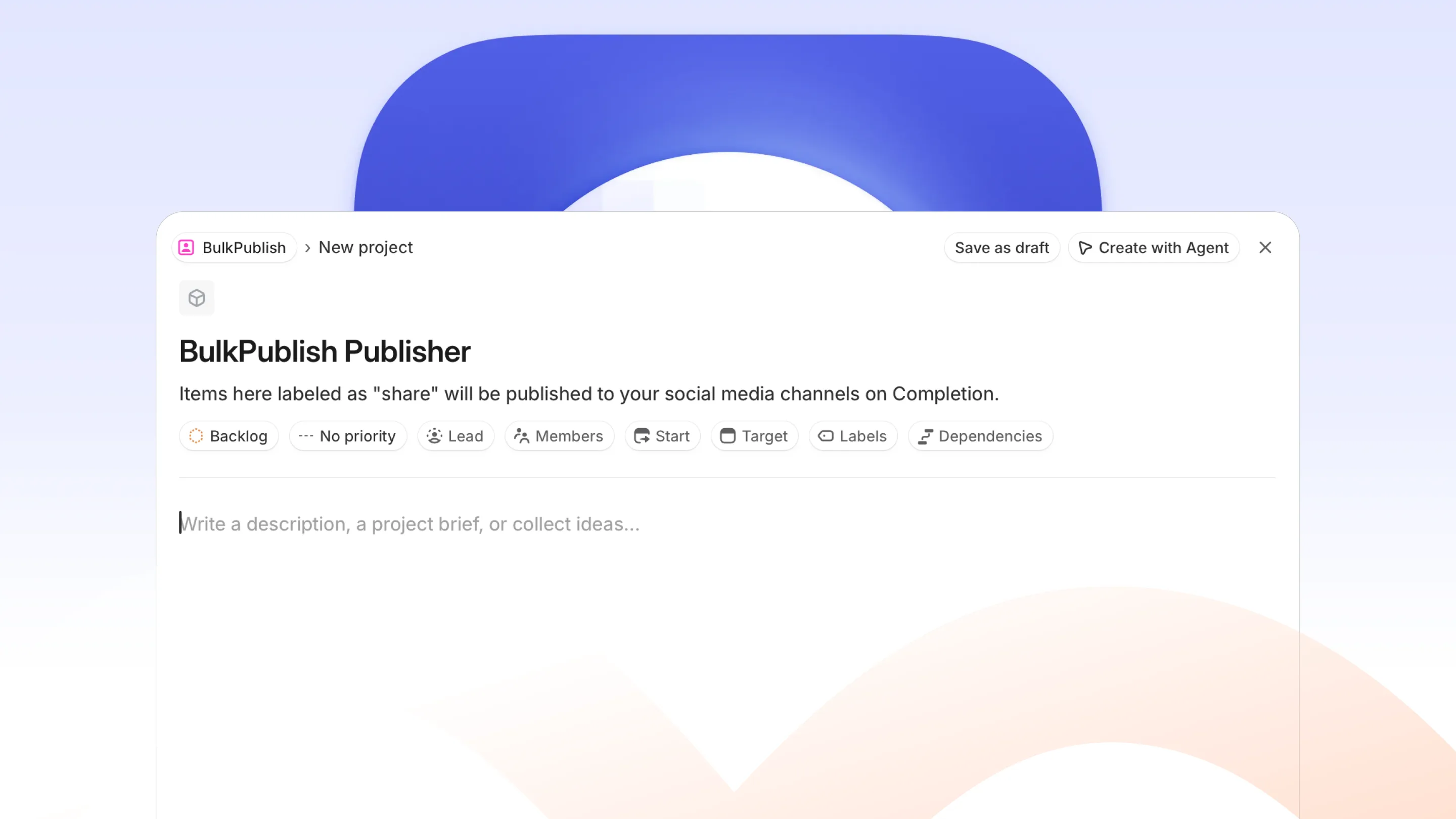
 Linear Share every completed project or labelled issue to your social accounts, written as a post you can review first. In the Linear Integrations directory.
-
 Raycast Write, schedule and publish posts from the launcher, and check your queue without a browser. In the Raycast Store.
-
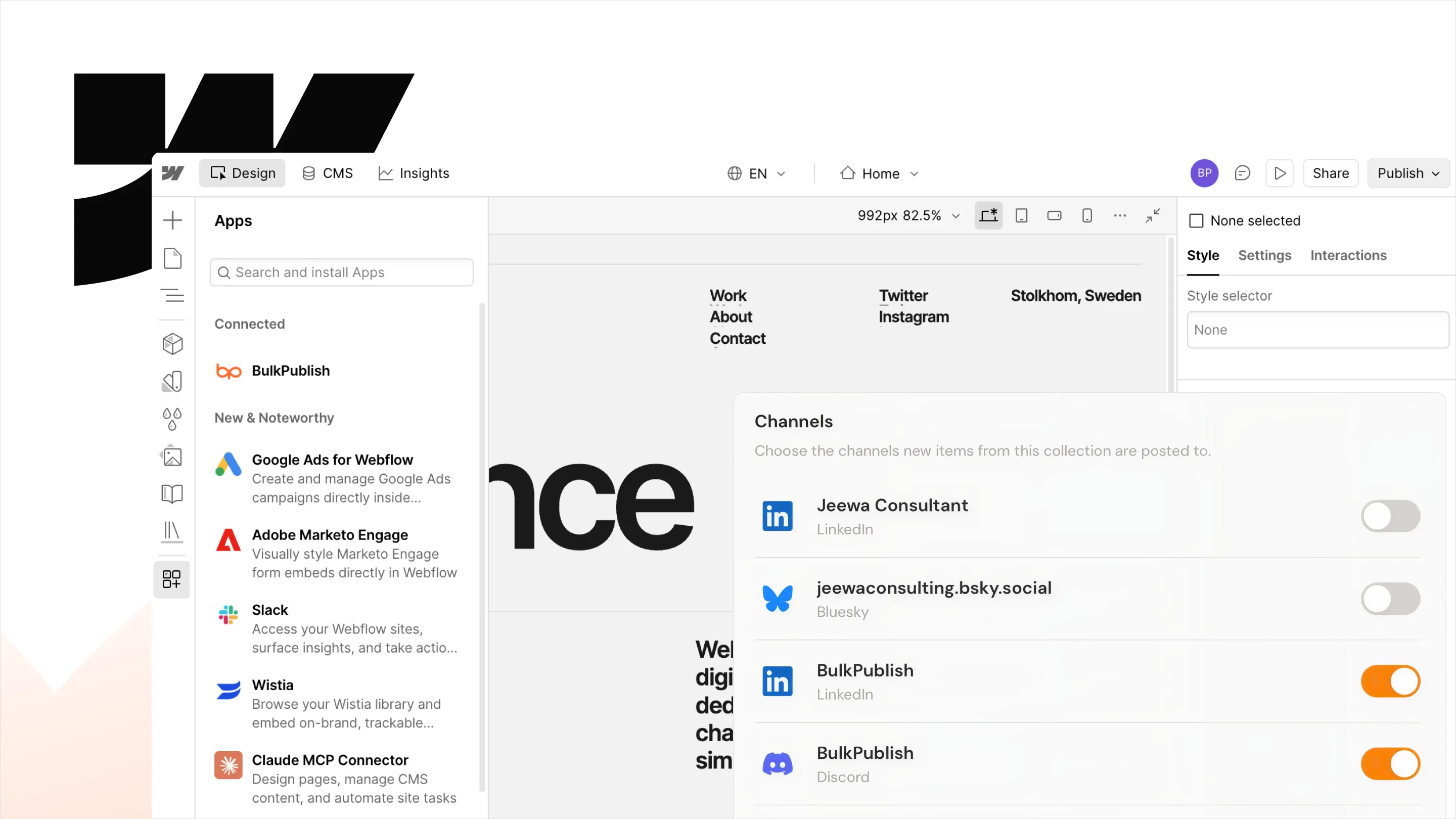
 Webflow Share every new CMS item, from blog posts to case studies, to your social accounts with its image and link. In the Webflow Marketplace.
-
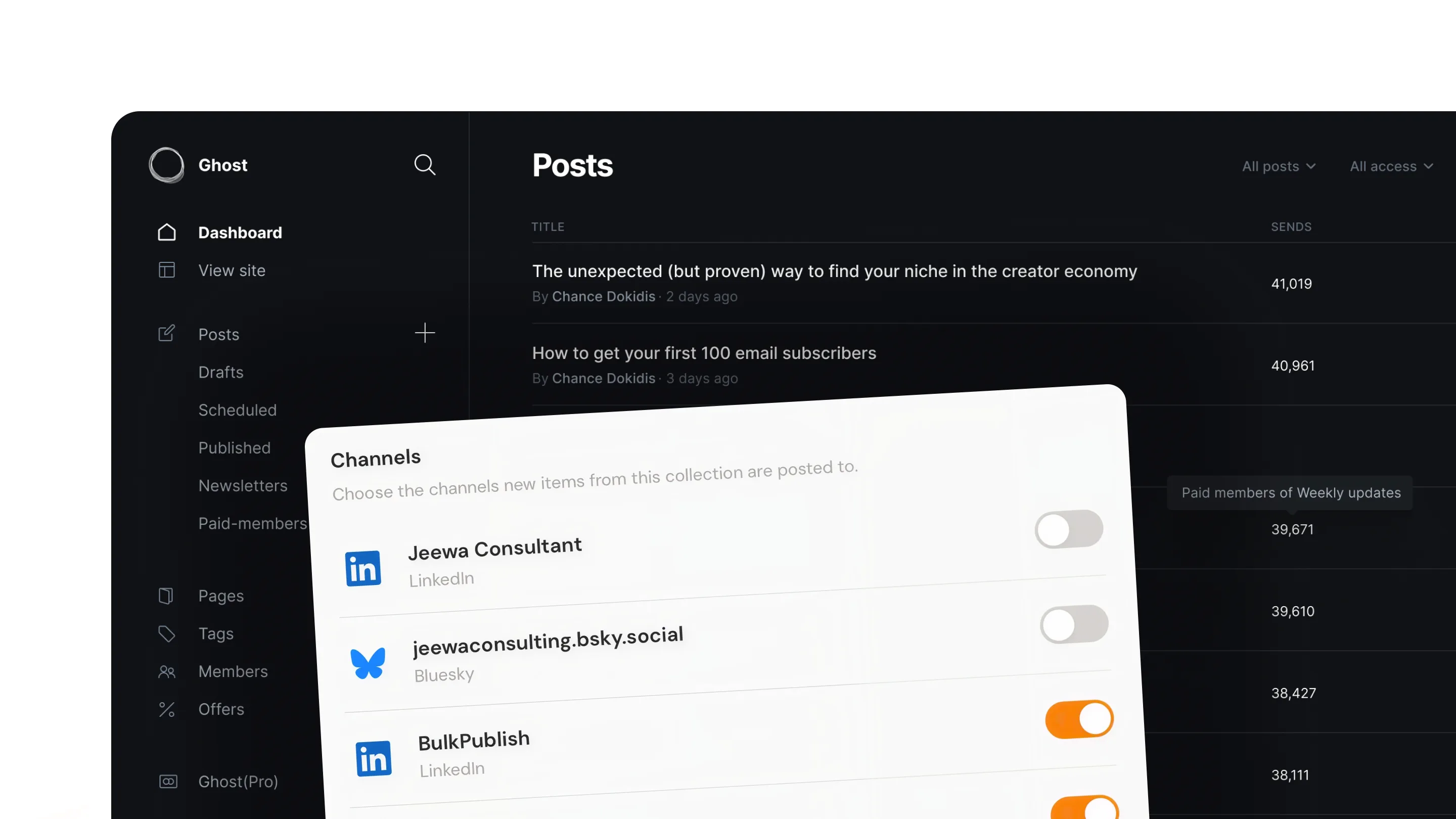
 Ghost Share every new Ghost post to your social accounts automatically, using your site's RSS feed. Nothing to install.
Browser extension
Share the page you are reading without opening another tab. The extension puts the BulkPublish composer one click away in your browser.


For developers
Anything you can do in the app, you can do programmatically. Same API, same limits, same account.
-
 REST API Every endpoint documented, with a live playground you can call from the browser.
-
 MCP Server Run the server locally over stdio when you would rather not use the hosted one.
-
 Node SDK TypeScript client with zero dependencies. Node 18 and above.
-
 Python SDK Sync and async clients for Python 3.8 and above.
-
 Homebrew Install the Node SDK on macOS with a single brew command.
-
 Postman Import the full collection and start calling the API in a minute.
Not seeing the one you need?
Every integration on this page is built on our public REST API, so anything missing you can build yourself. Tell us what you are after and we will point you at the right endpoint.