
 Webflow
BulkPublish
Publish to social media from Webflow
Publish in Webflow and let the social posts follow. Link your site to BulkPublish once and every new item in the CMS collections you choose is shared to your channels with its title, summary, image and a link back to the page.
Made for agencies, marketing teams and freelancers who build on Webflow. Share blog posts, case studies, products or events from separate collections to separate channels, preview each network before anything goes out, and let approvals catch a post before it publishes.
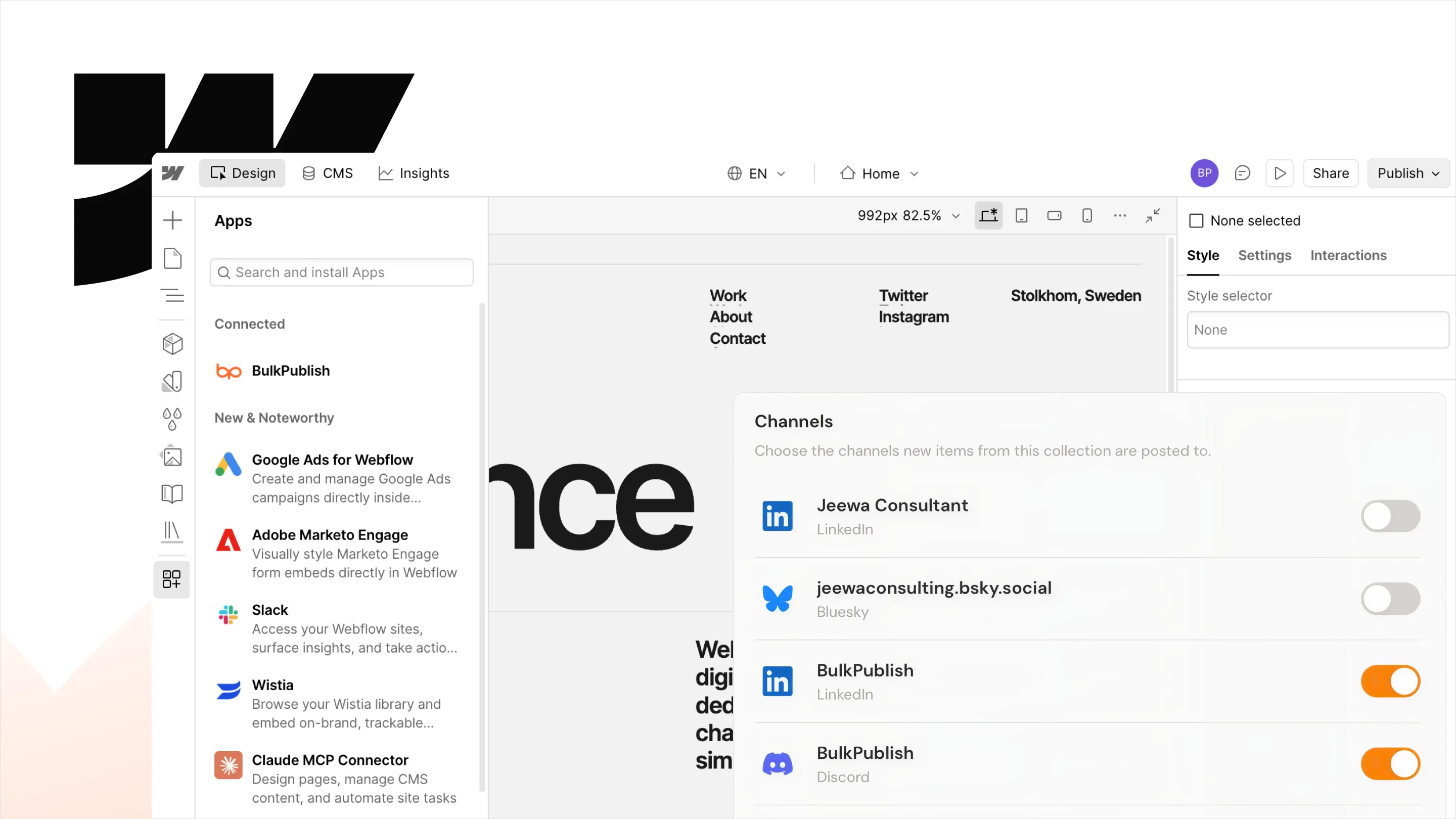
Setting up Webflow
A workspace owner or admin links sites from Share from Webflow in BulkPublish, or installs the app from the Webflow Marketplace, and approves access on Webflow’s screen. Then, per collection, pick the fields, a caption template and the channels.
- Create a BulkPublish account and connect the channels you want to publish to. The free plan connects three channels and does not ask for a card.
- In BulkPublish, open Share from Webflow in the Compose menu and choose Link Webflow sites, or install BulkPublish from the Webflow Marketplace. A workspace owner or admin approves access once, on Webflow’s own screen.
- Choose Add collection and pick the CMS collection to share, then whether an item is shared when it is published or as soon as it is created.
- Pick the fields for the title, summary, image and link, write a caption template from the title, summary and link, and choose the channels. The preview shows each network.
- Publish in Webflow as usual. The post usually appears in BulkPublish within a minute or two, on your Calendar.
What Webflow can do
For each row, the connection does what these 2 operations do, sorted below into 2 areas. It runs inside BulkPublish, so a row gets the same checks, limits and approvals as a post written in the app.
| Area | Operations |
|---|---|
| Channels | List channels |
| Posts | Create post |
Where the posts go
Whatever Webflow schedules can go to any of these 15 networks, to one account or to all of them at once. Each one links to its own page with its limits and post types.
-
 Facebook
-
 Instagram
-
 X / Twitter
-
 TikTok
-
 YouTube
-
 Threads
-
 Bluesky
-
 Pinterest
-
 Google Business
-
 LinkedIn
-
 Mastodon
-
 Discord
-
 Telegram
-
 Tumblr
-
 Snapchat
Details
The practical facts about Webflow in one place, for setting it up now or checking something later.
| Detail | Value |
|---|---|
| Authentication | OAuth 2.1. Sign in once, nothing to copy, revoke whenever you like |
| Get it from | Webflow Marketplace |
| Operations | 2 operations |
| Networks | 15 networks |
Open Webflow · Read the API docs
Frequently asked questions
What people usually want to know before they connect Webflow.
Which Webflow collections can I share?
Any CMS collection on a linked site, such as blog posts, case studies, products or events. Each collection gets its own fields, caption template and channels.
Can items be shared before they go live?
Yes. Each collection shares an item either when it is published or as soon as it is created, even as a draft. Choose per collection.
What does the Webflow app do?
It turns new CMS items into social posts. For each collection you choose, a new item is shared with the fields you pick for its title, summary and image, and a link back to its page on your site.
Does BulkPublish change my Webflow site?
No. It reads your sites and CMS items and changes none of your content. Unlinking a site removes its access straight away.
Can the same item be shared twice?
No. Each item is shared once. Editing or publishing it again does not create a second post, and archived items are left alone.
Still stuck? The Help Center walks through it step by step.
Other integrations
BulkPublish also works with 8 other tools. Pick one to see how it connects.





Start publishing
Create an account, connect your channels, and your first post can be scheduled a couple of minutes later. Free plan, no card, cancel whenever you like.