
 Grok
BulkPublish
Grok
BulkPublish
Post to social media from Grok
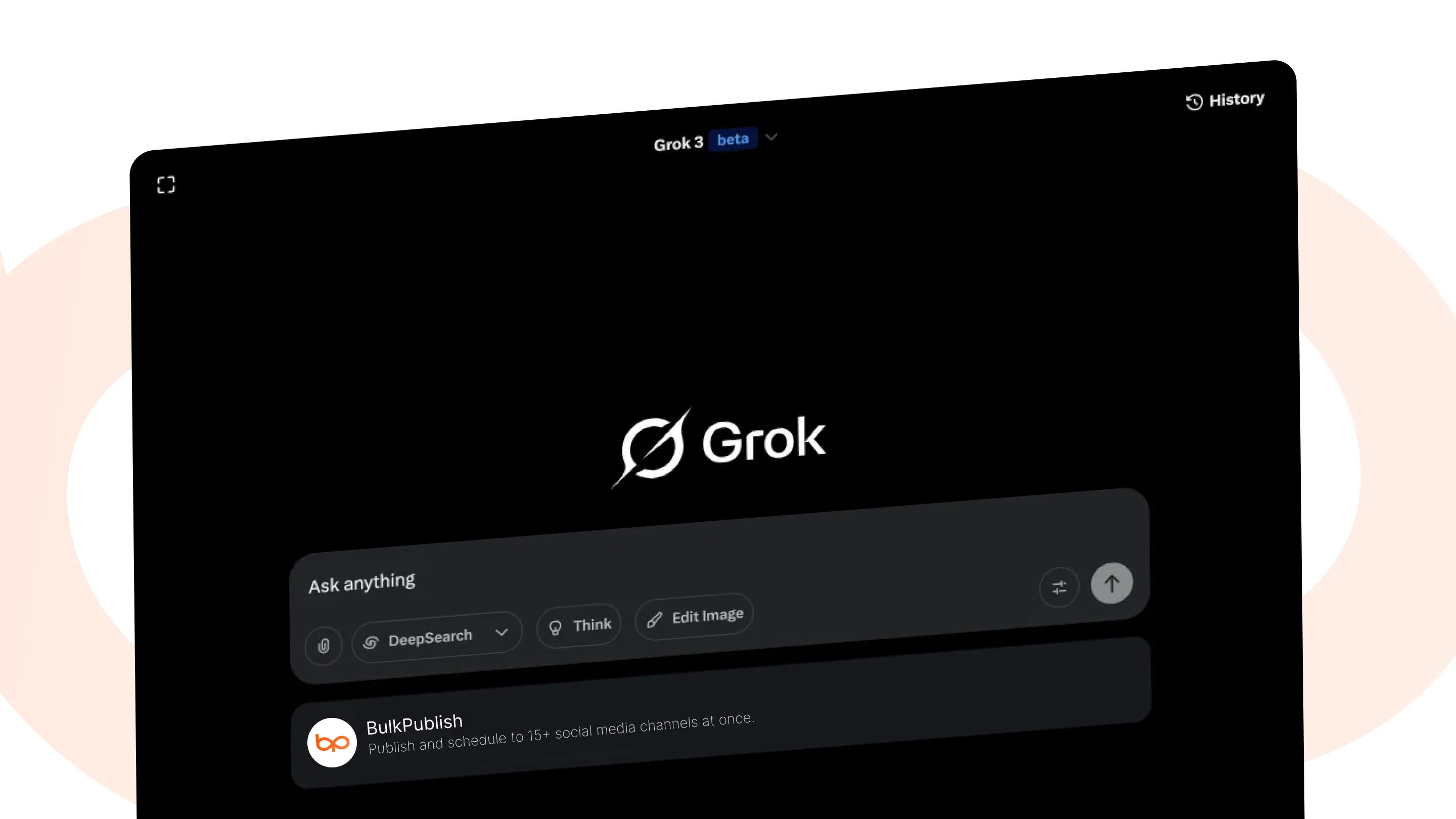
Grok reads what is being said on X in real time, and with BulkPublish connected it can act on it: draft a reply thread, queue a post for the morning, or publish the same update to every other network you run.
What Grok can do
On the hosted server, Grok gets 20 tools covering posts, media, channels and analytics. Every agent that connects gets this same set. Run the server on your own machine from the npm package and it adds the rest, such as labels, recurring schedules and RSS feeds.
| Area | Operations |
|---|---|
| Analytics | get_analytics |
| Channels | list_channels |
| Media | create_media_upload,finalize_media_upload,list_media,upload_media |
| Posts | create_post,delete_post,get_post,get_post_metrics,get_queue_slot,list_posts,publish_post,retry_post,update_post |
| Interactive panels | compose_post,view_analytics,view_channels,view_media,view_posts |
Where the posts go
Whatever Grok schedules can go to any of these 15 networks, to one account or to all of them at once. Each one links to its own page with its limits and post types.
-
 Facebook
 -
 Instagram
 -
 X / Twitter
 -
 TikTok
 -
 YouTube
 -
 Threads
 -
 Bluesky
 -
 Pinterest
 -
 Google Business
 -
 LinkedIn
 -
 Mastodon
 -
 Discord
 -
 Telegram
 -
 Tumblr
 -
 Snapchat
Setting up Grok
Grok adds remote servers from its connectors page. Create a custom connector, give it the address below, and sign in when asked. It only accepts servers reachable on the public internet, which this one is.
- Create a BulkPublish account. The free plan connects three channels and does not ask for a card.
- Add the hosted MCP server to Grok with the configuration below. The address is https://mcp.bulkpublish.com/mcp and there is no key to copy.
- Sign in when Grok asks you to. That sign-in is OAuth 2.1, so the token stays with Grok and you can revoke it from your account at any time.
- Ask it to post something. It can see your channels, your queue and your analytics from the first message.
Configuration for Grok
https://mcp.bulkpublish.com/mcpChecked against the Grok documentation on September 10, 2026. Read it there
The AI toolkit has a Grok section that walks through this step by step.
Prompts to start with
Once Grok is connected, paste one of these to get going. Swap anything in square brackets for your own details.
Show me my BulkPublish channels, then list everything scheduled on them for the next seven days. Tell me which channels have nothing queued.Write a LinkedIn post about [your topic]. Keep to my usual voice: [describe it in a line]. Show me the draft first, and once I say yes, schedule it in BulkPublish to the next free slot in my queue.Read [paste a URL] and turn it into one post for each of my connected BulkPublish channels, adapted to what works on each network rather than the same text everywhere. Schedule them for next Tuesday morning. Show me all of them before you schedule anything.Here are five things I want to post about this week: [list them]. Create a BulkPublish post for each, spread across the free slots in my queue so nothing goes out back to back, and show me the finished week when you are done.Upload [file path, or attach the image] to my BulkPublish media library, then write three caption options for Instagram, each with a different angle. Once I pick one, schedule it with that image.List everything scheduled in BulkPublish for the next fourteen days, grouped by day. Flag anything duplicated, anything going out at an odd hour for its network, and any day with nothing at all.Find any BulkPublish posts that failed in the last seven days. For each one, tell me in plain language what went wrong, then retry only the ones that look like a temporary problem and tell me which ones need me to fix something first.Pull my BulkPublish analytics for the last thirty days. Tell me the three posts that did best, what they have in common, and one thing I should do more of next month. Use my numbers, not general advice.Ways teams use this
A natural match for people who live on X and want timely posts out quickly, then pushed to LinkedIn, Threads and Bluesky without rewriting them by hand.
- Bulk upload a month of posts in one pass, then let the queue send them out at the times you set.
- Write once and cross-post everywhere. One post, adapted per network, goes to every connected channel together.
- Turn a blog or podcast RSS feed into automatic posts the moment a new item appears.
- Read the numbers back. Impressions, engagement and link clicks come back the same way the posts went out.
Details
The practical facts about Grok in one place, for setting it up now or checking something later.
| Detail | Value |
|---|---|
| Authentication | OAuth 2.1. Sign in once, nothing to copy, revoke whenever you like |
| Operations | 20 operations |
| Networks | 15 networks |
Frequently asked questions
What people usually want to know before they connect Grok.
Can Grok post to social media on its own?
Yes, once you have connected it. Grok reaches the same API the app uses, so it can write a post, put it in the queue, publish it, and read the numbers back. Everything it schedules appears in your content calendar, so you can look before it goes out.
Do I need an API key?
No. The hosted server uses OAuth 2.1, so you sign in once in your browser and Grok holds a token from then on. You can revoke that token from your account at any time, and nothing else stops working.
Which networks can it publish to?
All 15 of them. Grok sees the same channel list you do, so it can publish to one account or to every account at once, and it can adapt the wording per network in the same call.
Is anything installed on my machine?
No. The server is hosted, so Grok connects to a web address. There is nothing to run locally and nothing to keep updated, and it works the same on every machine you sign in from.
Can I review what it writes before it publishes?
Yes. Ask it to save drafts rather than publish, or turn on approvals so every post waits for a person. Both are ordinary BulkPublish settings and they apply whatever created the post.
Does agent access cost extra?
No. It is part of every plan, including the free one. Posts an agent schedules count against your plan exactly like posts you write in the app.
Still stuck? The Help Center walks through it step by step.
Other integrations
BulkPublish also works with 28 other tools. Pick one to see how it connects.
-
 Claude
 -
 ChatGPT
 -
 Grok Bot
 -
 Muse
Muse -
 Manus
Manus -
 Cue
Cue -
 Cursor
 -
 Antigravity
 -
 Codex CLI
 -
 Gemini CLI
 -
 Windsurf
 -
 VS Code
 -
 Cline
Cline -
 Warp
Warp -
 OpenClaw
 -
 Hermes
 -
 n8n
n8n -
 Zapier
 -
 Make
Make -
 IFTTT
IFTTT -
 Chrome
 -
 Firefox
 -
 REST API
 -
 MCP Server
 -
 Node SDK
 -
 Python SDK
 -
 Homebrew
 -
 Postman
Start publishing
Create an account, connect your channels, and your first post can be scheduled a couple of minutes later. Free plan, no card, cancel whenever you like.