An MCP server is a program that gives an AI assistant the ability to do something outside its own conversation: read a file, query a database, publish a post.
MCP stands for Model Context Protocol. It’s a standard for how assistants and tools talk to each other, and the reason it exists is worth understanding, because it explains why this became a category so quickly.
The problem it solves
An assistant on its own can only produce text. Useful, but it can’t check your calendar or send anything anywhere.
The obvious fix is to connect it to things, and for a while every application did that its own way. Each assistant had its own plugin format. A tool wanting to work with three assistants built three integrations, and adding a fourth assistant meant every tool building again. It’s the same combinatorial mess that any integration space produces before it standardises.
MCP is the standardisation. One protocol: a tool implements a server once, and any application that speaks MCP can use it.
What a server actually exposes
An MCP server offers tools, which are named actions with defined inputs. A publishing server might offer tools for creating a post, listing your connected accounts, scheduling something for later and checking what’s queued.
The assistant sees the list of tools and their descriptions, and decides which to call based on what you asked. You say “schedule this for Tuesday morning”, the assistant works out that means the scheduling tool with a particular date, and calls it.
Two things follow that are easy to miss.
The assistant chooses. You’re not calling an API, you’re asking in words and the model decides what to do. That’s the appeal, and it’s also why review steps matter for anything with consequences.
Descriptions are part of the interface. A tool whose description is vague gets used wrongly, because the description is what the model reads to decide.
What it isn’t
Not a way for the AI to do anything it likes. A server exposes a specific set of tools. If publishing isn’t one of them, no amount of asking produces a post.
Not automatic. Someone connects the server and authorises it. Assistants don’t discover tools on their own.
Not only for developers. Connecting a server in an application that supports them is usually configuration, not code.
What it means as a user
If you use an assistant that supports MCP, connecting a server turns “help me write this” into “do this”. The assistant can act, not just draft.
For social publishing specifically, that’s the difference between pasting a generated caption into another app and asking the assistant to schedule it, having it check what else is queued that week, and adjusting.
The thing worth deciding early is how much you let it do without review. An assistant that drafts is low-risk. One that publishes directly to an audience is a different proposition, and most people should start with drafts.
Connecting BulkPublish
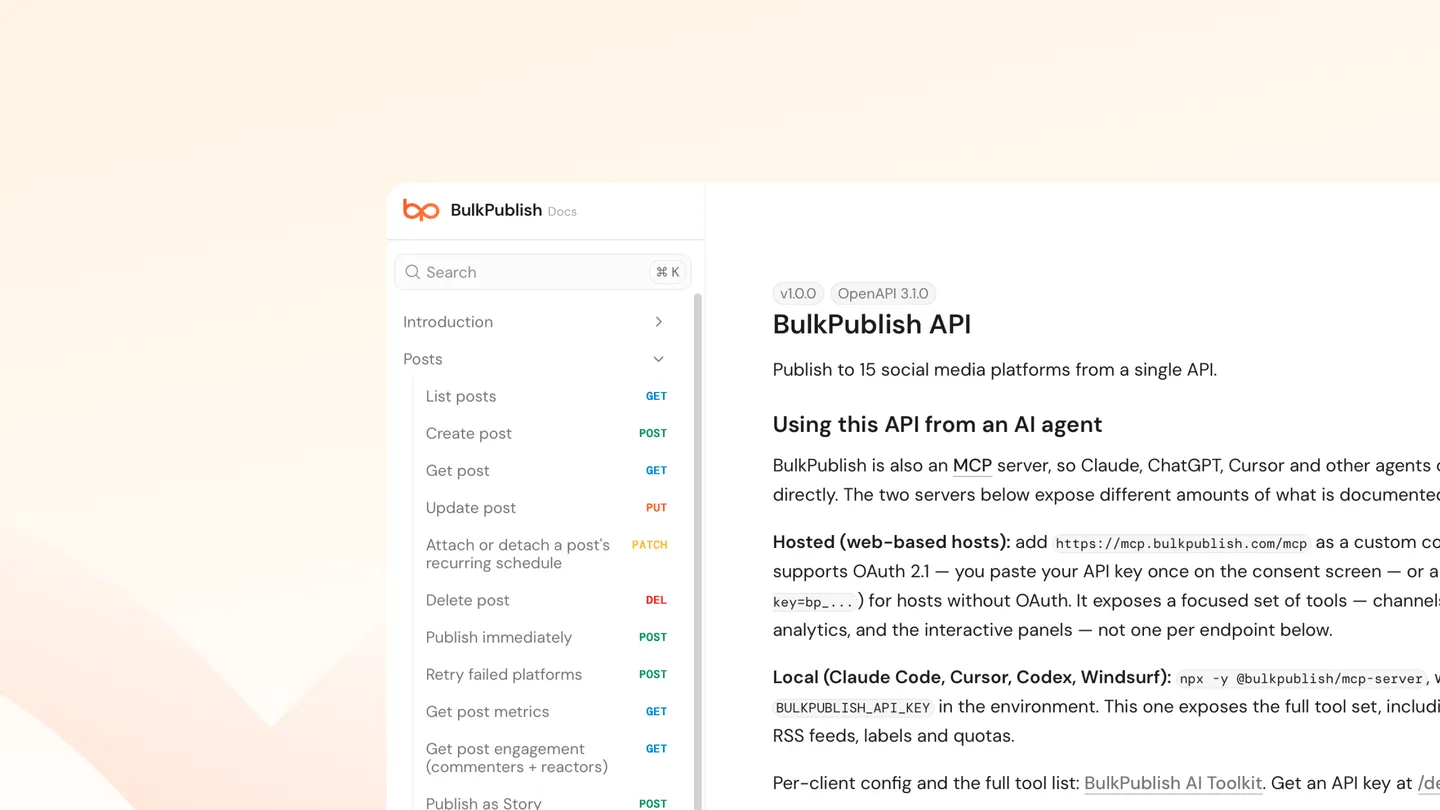
BulkPublish publishes an MCP server on npm as @bulkpublish/mcp-server. Connected to an assistant, it exposes publishing across 15 platforms: Facebook, Instagram, TikTok, YouTube, X, Threads, Bluesky, Pinterest, Google Business Profile, LinkedIn, Mastodon, Discord, Telegram, Tumblr and Snapchat.
There are setup guides for the applications people actually use it from, including Claude, ChatGPT, Cursor, VS Code, Windsurf, Codex CLI, Gemini CLI, Cline and Warp.
Underneath, it’s the same API a developer would call directly:
| Free | Pro | Business | |
|---|---|---|---|
| API requests/day | 10 | 5,000 | 50,000 |
| Posts | 1/day | 30/day | Unlimited |
| Channels | 3 | 30 | 75 |
Posts can be created as drafts rather than published, which is the sensible default when an assistant is doing the composing.
The short version
An MCP server is a standard way to give an AI assistant real abilities. It exposes a fixed set of named tools, the assistant picks which to call from what you asked, and someone has to connect and authorise it first. The protocol exists so tools build one integration instead of one per assistant.