
 Hermes
BulkPublish
Post to social media from Hermes
Hermes can connect to tools and keep context across long tasks. With BulkPublish connected, it can take a content plan and see it through, from drafts to scheduled posts to the results.
A fit for people running Hermes as their main agent who want publishing handled inside the same long-running conversation.
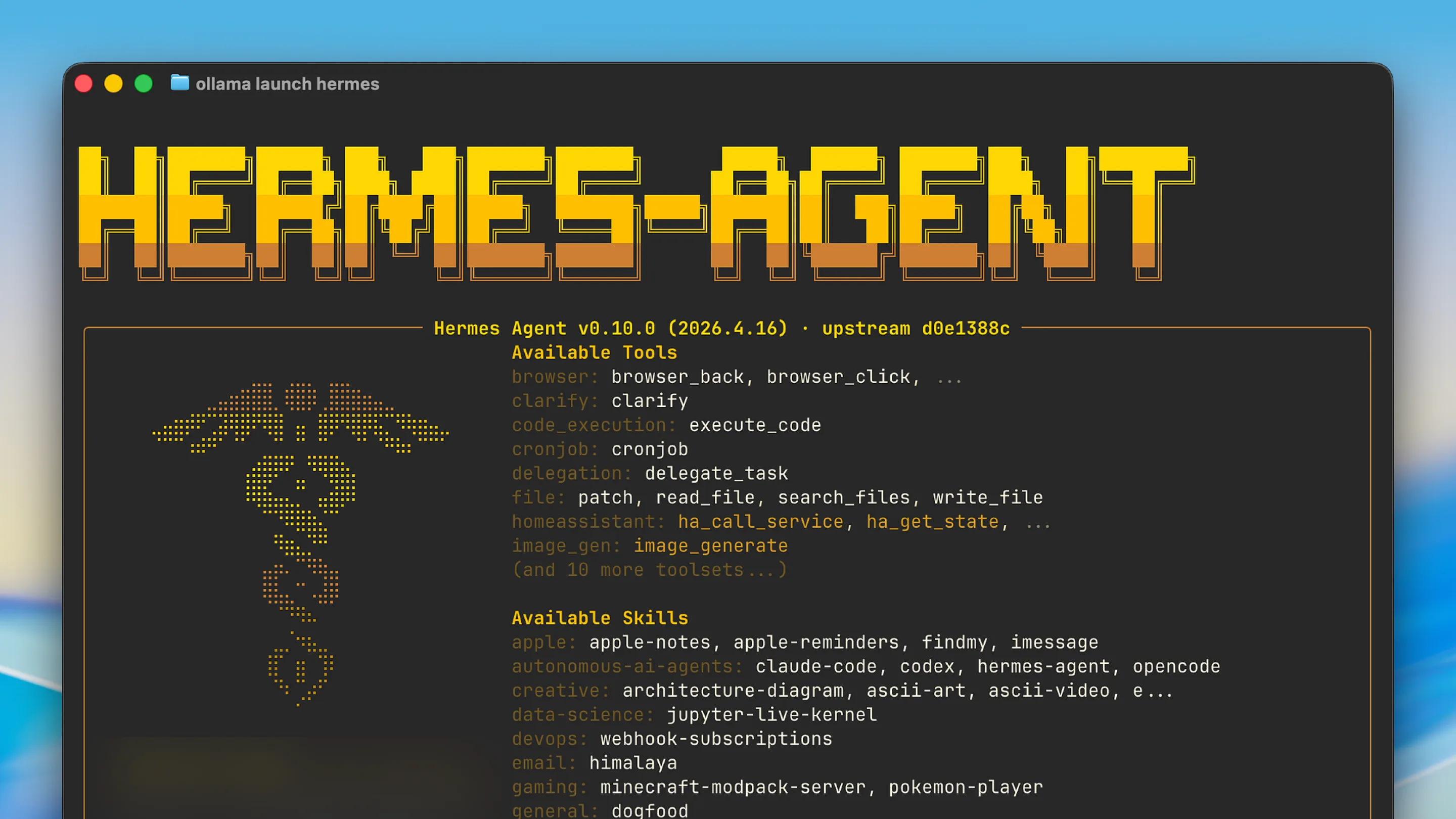
Setting up Hermes
Add the address below as a remote server in Hermes, choose Streamable HTTP, and sign in when it asks. There is nothing to install alongside it.
- Create a BulkPublish account. The free plan connects three channels and does not ask for a card.
- Add the hosted MCP server to Hermes with the configuration below. The address is https://mcp.bulkpublish.com/mcp and there is no key to copy.
- Sign in when Hermes asks you to. That sign-in is OAuth 2.1, so the token stays with Hermes and you can revoke it from your account at any time.
- Ask it to post something. It can see your channels, your queue and your analytics from the first message.
Configuration for Hermes
https://mcp.bulkpublish.com/mcpThe AI toolkit covers Hermes under its general MCP setup. Any client that can add a remote MCP server can use this one.
Prompts to start with
Once Hermes is connected, paste one of these to get going. Swap anything in square brackets for your own details.
Take my content plan for [month], [paste it], and create each post in BulkPublish, schedule it on the right day, and keep track of what is done.Which posts from our plan have already gone out on my BulkPublish channels, and which are still scheduled?When the plan is finished, pull the BulkPublish analytics for those posts and tell me what worked and what did not.What Hermes can do
Hermes gets the same set of tools as every AI agent that connects to BulkPublish. See every tool on the MCP server page
Where the posts go
Whatever Hermes schedules can go to any of these 15 networks, to one account or to all of them at once. Each one links to its own page with its limits and post types.
-
 Facebook
-
 Instagram
-
 X / Twitter
-
 TikTok
-
 YouTube
-
 Threads
-
 Bluesky
-
 Pinterest
-
 Google Business
-
 LinkedIn
-
 Mastodon
-
 Discord
-
 Telegram
-
 Tumblr
-
 Snapchat
Building something of your own instead? Every network above also has a developer page, one for AI agents and one for code.
Details
The practical facts about Hermes in one place, for setting it up now or checking something later.
| Detail | Value |
|---|---|
| Authentication | OAuth 2.1. Sign in once, nothing to copy, revoke whenever you like |
| Get it from | Hermes Marketplace |
| Operations | 46 operations |
| Networks | 15 networks |
Open Hermes · Read the API docs
Frequently asked questions
What people usually want to know before they connect Hermes.
Can Hermes carry a content plan through to the end?
Yes. Hermes keeps context across long tasks, so it can take a content plan from drafts to scheduled posts to the results in one conversation.
How do I add BulkPublish to Hermes?
Add the address on this page as a remote server, choose Streamable HTTP, and sign in when Hermes asks.
Can Hermes post to social media on its own?
Yes, once you have connected it. Hermes reaches the same API the app uses, so it can write a post, put it in the queue, publish it, and read the numbers back. Everything it schedules appears in your content calendar, so you can look before it goes out.
Do I need an API key?
No. The hosted server uses OAuth 2.1, so you sign in once in your browser and Hermes holds a token from then on. You can revoke that token from your account at any time, and nothing else stops working.
Is anything installed on my machine?
No. The server is hosted, so Hermes connects to a web address. There is nothing to run locally and nothing to keep updated, and it works the same on every machine you sign in from.
Still stuck? The Help Center walks through it step by step.
Guides and tutorials
Walkthroughs from our blog that use Hermes.
Other integrations
BulkPublish also works with 8 other tools. Pick one to see how it connects.






Start publishing
Create an account, connect your channels, and your first post can be scheduled a couple of minutes later. Free plan, no card, cancel whenever you like.