
 Pabbly Connect
BulkPublish
Automate social media publishing with Pabbly Connect
Turn events in your other apps into social posts, and posts into events. With Pabbly Connect, a new order, lead or form entry can create a post with its media, and a published, scheduled or failed post can start a workflow of its own.
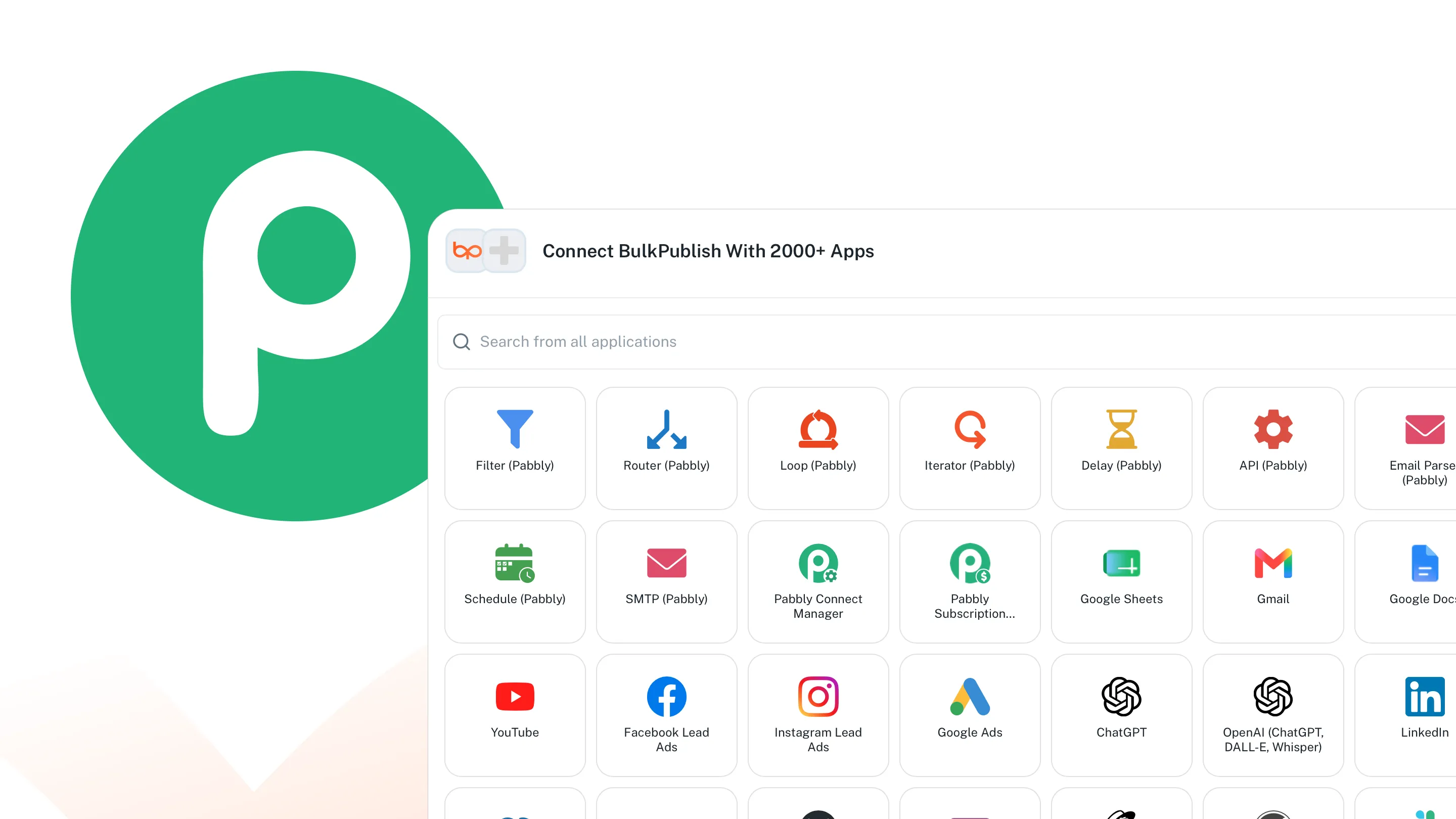
What Pabbly Connect can do
Pabbly Connect can use 9 operations, sorted below into 3 areas. The list is read from the code Pabbly Connect talks to, so everything on it works today.
| Area | Operations |
|---|---|
| Channels | List channels |
| Media | Upload media (single request) |
| Posts | Create post,Delete post,Get post,List posts,Publish immediately,Retry failed platforms,Update post |
Where the posts go
Whatever Pabbly Connect schedules can go to any of these 15 networks, to one account or to all of them at once. Each one links to its own page with its limits and post types.
-
 Facebook
-
 Instagram
-
 X / Twitter
-
 TikTok
-
 YouTube
-
 Threads
-
 Bluesky
-
 Pinterest
-
 Google Business
-
 LinkedIn
-
 Mastodon
-
 Discord
-
 Telegram
-
 Tumblr
-
 Snapchat
Building something of your own instead? Every network above also has a developer page, one for AI agents and one for code.
Setting up Pabbly Connect
Find BulkPublish in Pabbly Connect, connect it with an API key from your BulkPublish account, and pick a trigger or an action event for your workflow.
- Create a BulkPublish account and connect the channels you want to publish to.
- Open Settings, then Developer, and make an API key.
- Add BulkPublish in Pabbly Connect and paste the key. It is checked straight away, so you know at once whether it worked.
- Build your workflow. Every operation in the table above is available to it.
Ways teams use this
Good for small businesses and agencies who use Pabbly Connect for the rest of their automations. Upload Media and List Channels mean a workflow can build a complete post with images, not just text.
- Bulk upload a month of posts in one pass, then let the queue send them out at the times you set.
- Write once and cross-post everywhere. One post, adapted per network, goes to every connected channel together.
- Turn a blog or podcast RSS feed into automatic posts the moment a new item appears.
- Read the numbers back. Impressions, engagement and link clicks come back the same way the posts went out.
Details
The practical facts about Pabbly Connect in one place, for setting it up now or checking something later.
| Detail | Value |
|---|---|
| Authentication | API key, made under Settings then Developer |
| Get it from | Pabbly Connect Integrations |
| Operations | 9 operations |
| Networks | 15 networks |
Open Pabbly Connect · Read the API docs
Frequently asked questions
What people usually want to know before they connect Pabbly Connect.
What can I automate with Pabbly Connect?
9 operations, listed above. Create and update posts, publish immediately, retry a failed platform, upload media, manage labels and channel sets, add RSS feeds, and read analytics back into the rest of your workflow.
Do I need to write code?
No. Everything is fields in Pabbly Connect. The one piece of setup is pasting an API key, and after that a workflow can publish to every network you have connected.
Which networks can it publish to?
All 15 of them. Pick the channels in the step and the post goes to one account or to every account at once, with per-network wording where you want it.
How does authentication work?
An API key, made under Settings then Developer. It belongs to one organisation, and revoking it stops that workflow without touching anything else you have connected.
Can it publish straight away, or only on a schedule?
Either. Publish immediately, pick a time in your own timezone, or drop the post into a recurring queue slot and let BulkPublish choose the next opening. All three are ordinary operations.
Is there a free plan?
Yes. Three channels and thirty posts a month, with no card required. The integration works on the free plan exactly as it does on the paid ones.
Still stuck? The Help Center walks through it step by step.
Other integrations
BulkPublish also works with 41 other tools. Pick one to see how it connects.
-
 Claude
-
 ChatGPT
-
 Grok
-
 Grok Bot
-
 Muse
-
 Manus
-
 Cue
-
 OpenAI dots
-
 Claude Duet
-
 Cursor
-
 Antigravity
-
 Codex CLI
-
 Gemini CLI
-
 Windsurf
-
 VS Code
-
 Cline
-
 Warp
-
 OpenClaw
-
 Hermes
-
 n8n
-
 Zapier
-
 Make
-
 IFTTT
-
 Albato
-
 WordPress
-
 Obsidian
-
 Google Sheets
-
 Notion
-
 Figma
-
 Adobe Express
-
 Linear
-
 Ghost
-
 Chrome
-
 Firefox
-
 Edge
-
 REST API
-
 MCP Server
-
 Node SDK
-
 Python SDK
-
 Homebrew
-
 Postman
Start publishing
Create an account, connect your channels, and your first post can be scheduled a couple of minutes later. Free plan, no card, cancel whenever you like.