Publishing to social platforms from Node normally means one OAuth flow, one media pipeline and one publishing model per platform, each of which keeps changing. This does it through a single client.
Install and authenticate
npm install bulkpublishimport { BulkPublish } from 'bulkpublish';
const bp = new BulkPublish({ apiKey: process.env.BULKPUBLISH_API_KEY });Get a key from the developer settings in your account. Keep it in an environment variable, not in source.
Create a draft
Start here rather than with immediate publishing. A draft is visible in the app, so you can see exactly what your code produced before anything reaches an audience.
const post = await bp.posts.create({
  content: 'Check out our latest update!',
  channels: [
    { channelId: 1, platform: 'facebook' },
    { channelId: 2, platform: 'x' },
    { channelId: 3, platform: 'linkedin' },
  ],
  status: 'draft',
});
Each channel is an object with a channelId and a platform. To find yours:
const channels = await bp.channels.list();Don’t hardcode channel IDs from a one-off script into anything long-lived. Look them up, or store them in config where they can be changed without a deploy.
Schedule one
const post = await bp.posts.create({
  content: 'Check out our new feature!',
  channels: [{ channelId: 1, platform: 'instagram' }],
  mediaFiles: [uploadedFile.id],
  postFormat: 'reel',
  status: 'scheduled',
  scheduledAt: '2026-04-10T14:00:00Z',
  timezone: 'America/New_York',
});
Two fields worth understanding together. scheduledAt is an ISO-8601 timestamp, and timezone is an IANA zone name. Passing the timezone explicitly is what makes recurring logic behave sensibly across daylight-saving changes, rather than drifting by an hour twice a year.
Media
Media is uploaded first, then referenced by id when creating the post:
const file = await bp.media.upload(/* … */);

await bp.posts.create({
  content: 'New drop.',
  mediaFiles: [file.id],
  channels: [{ channelId: 1, platform: 'instagram' }],
  status: 'scheduled',
  scheduledAt: '2026-04-10T14:00:00Z',
});
Every platform’s media rules differ, and they’re validated before the post is queued rather than at publish time. That’s the behaviour you want from a script: a rejection you can catch and log now, not a silent failure at 9am tomorrow.
The resources available
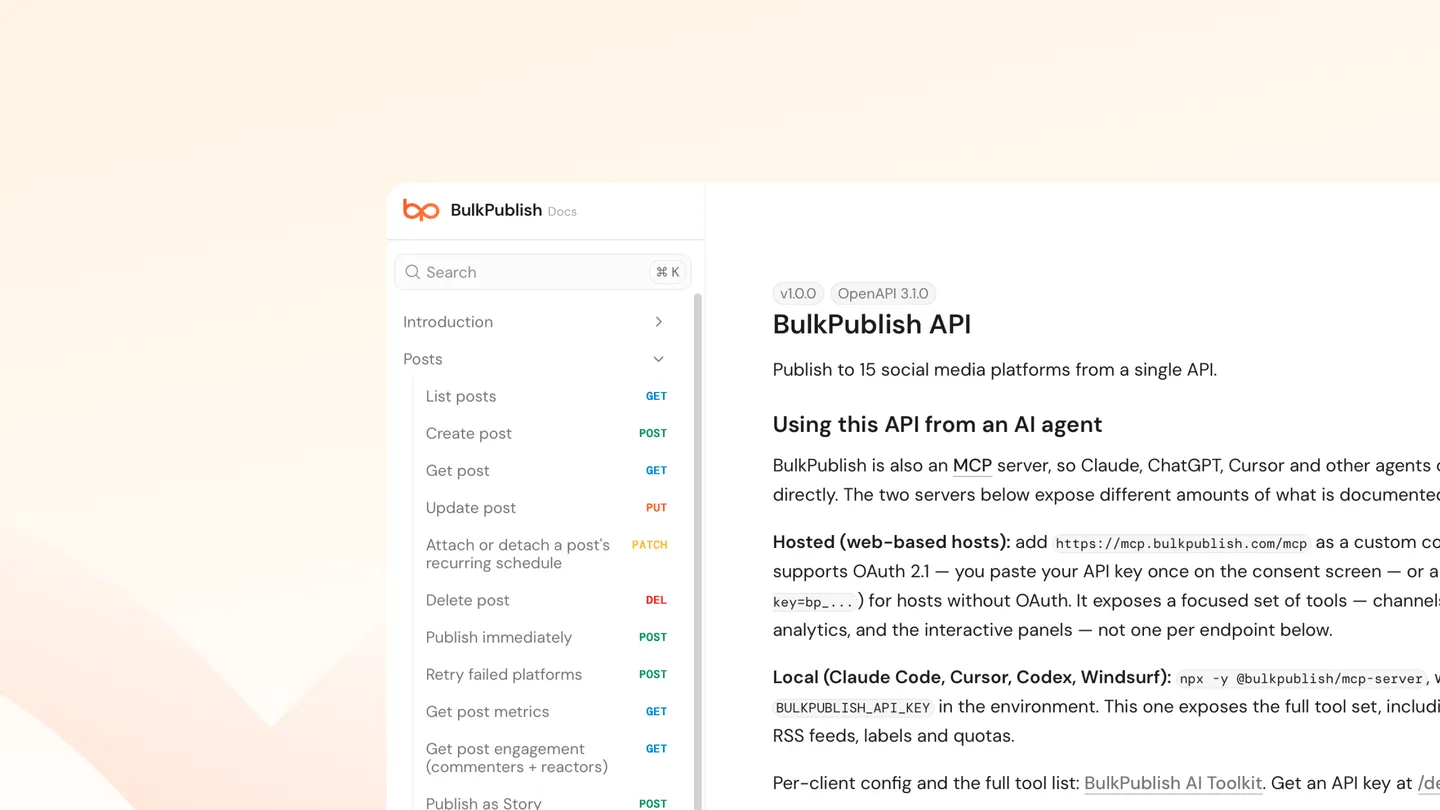
The client exposes posts, channels, channel sets, media, labels, schedules, RSS feeds, analytics and platforms. So a script can do more than create: look up what’s queued, check quota, pull metrics after publishing.
Things worth getting right
Never publish directly on the first version. Create drafts, look at them, then switch to scheduled. The cost is nothing and it catches formatting problems that are invisible in code.
Handle rate limits. Your plan’s allowance is a real ceiling:
| Free | Pro | Business | |
|---|---|---|---|
| API requests/day | 10 | 5,000 | 50,000 |
| API keys | 1 | 5 | 10 |
| Free’s 10 a day is sized for trying the API, not running anything. A script in a retry loop will exhaust it in seconds. |
Don’t generate your own plan facts. If your script writes post text, keep product numbers out of it. Anything factual should come from a source rather than a template that will be wrong after the next pricing change.
The short version
npm install bulkpublish, create a client with your API key, call bp.posts.create with content and channels. Start with drafts, look up channel IDs rather than hardcoding them, pass a timezone with anything scheduled.