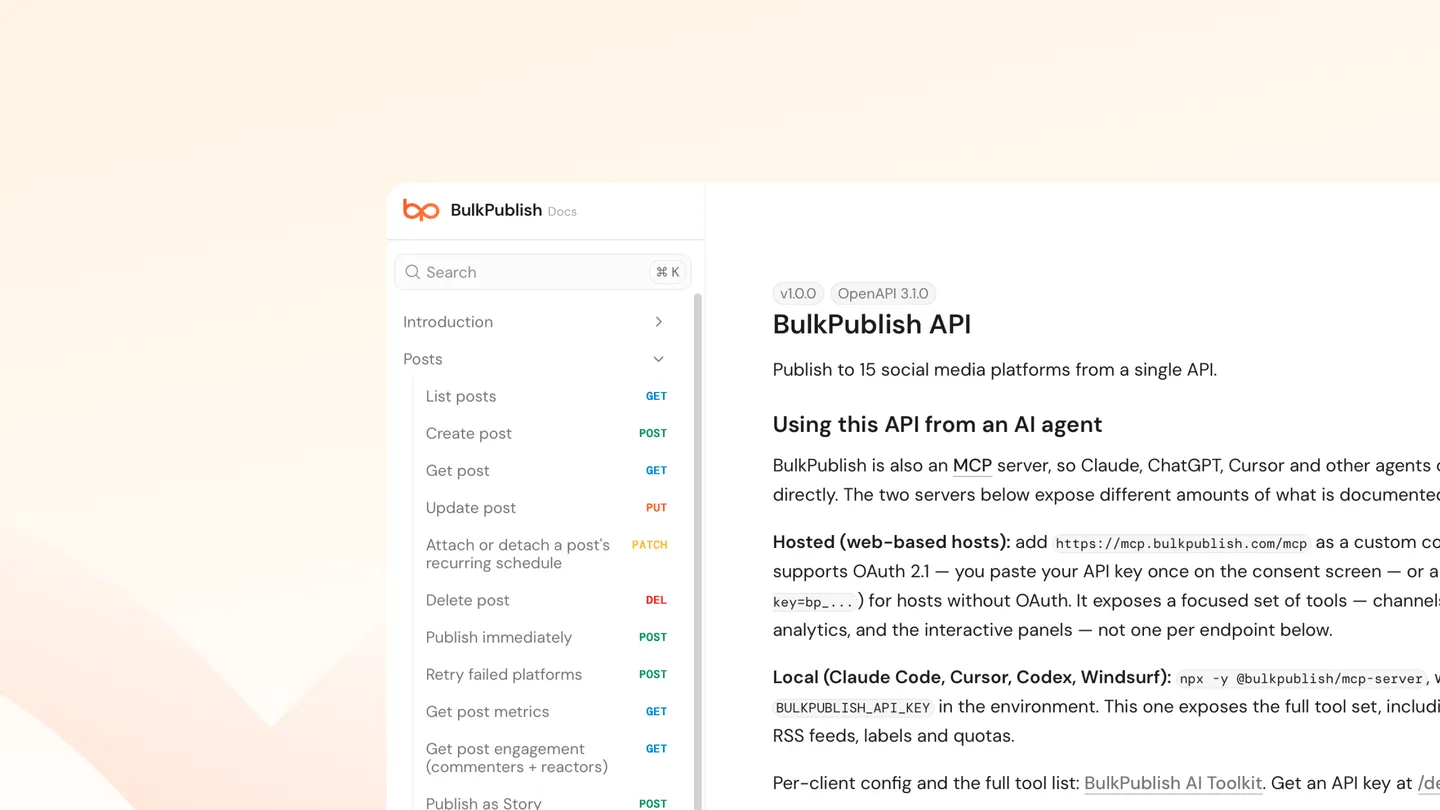
There’s no PHP SDK, so this uses the REST API directly. That’s less of a limitation than it sounds: the API is plain JSON over HTTPS with a bearer token, and PHP has everything needed in the standard library.
If you’re publishing from WordPress specifically, there’s a plugin and an RSS route that may be less work than writing this yourself.
Authentication
Every request carries your API key as a bearer token:
$apiKey = getenv('BULKPUBLISH_API_KEY');
$baseUrl = 'https://app.bulkpublish.com';
Keep the key in the environment rather than in source or a committed config file.
Create a draft
$payload = [
    'content'  => 'Check out our latest update!',
    'channels' => [
        ['channelId' => 1, 'platform' => 'x'],
        ['channelId' => 2, 'platform' => 'linkedin'],
    ],
    'status'   => 'draft',
];

$ch = curl_init("$baseUrl/api/posts");
curl_setopt_array($ch, [
    CURLOPT_POST           => true,
    CURLOPT_RETURNTRANSFER => true,
    CURLOPT_HTTPHEADER     => [
        'Content-Type: application/json',
        "Authorization: Bearer $apiKey",
    ],
    CURLOPT_POSTFIELDS     => json_encode($payload),
]);

$response = curl_exec($ch);
$status   = curl_getinfo($ch, CURLINFO_HTTP_CODE);
curl_close($ch);

if ($status >= 400) {
    error_log("BulkPublish error $status: $response");
} else {
    $post = json_decode($response, true);
}
Start with draft. It appears in the app, so you can see what your code produced before anything publishes.
The same thing with Guzzle
If you already have Guzzle, it’s tidier:
use GuzzleHttp\Client;

$client = new Client([
    'base_uri' => 'https://app.bulkpublish.com',
    'headers'  => [
        'Authorization' => 'Bearer ' . getenv('BULKPUBLISH_API_KEY'),
        'Content-Type'  => 'application/json',
    ],
]);

$response = $client->post('/api/posts', [
    'json' => [
        'content'     => 'Check out our new feature!',
        'channels'    => [['channelId' => 1, 'platform' => 'instagram']],
        'status'      => 'scheduled',
        'scheduledAt' => '2026-04-10T14:00:00Z',
        'timezone'    => 'America/New_York',
    ],
]);

$post = json_decode((string) $response->getBody(), true);
Finding channel IDs
$response = $client->get('/api/channels');
$channels = json_decode((string) $response->getBody(), true);
Look them up or keep them in config. Hardcoding an ID from a one-off script into something long-lived is how a deploy starts posting to the wrong account.
Scheduling fields
scheduledAt is an ISO-8601 timestamp and timezone is an IANA name. Pass the timezone explicitly for anything recurring, or your posting time moves by an hour when daylight saving changes.
Handle the errors properly
The failure mode specific to server-side publishing is that nobody is watching. A post that fails validation at 3am is silent unless you made it noisy.
- Check status codes, don’t assume a response body means success
- Log the response body on failure, since it says what was wrong
- Respect rate limits and back off rather than retrying immediately
| Free | Pro | Business | |
|---|---|---|---|
| API requests/day | 10 | 5,000 | 50,000 |
| API keys | 1 | 5 | 10 |
| Free’s 10 a day is for evaluation. Anything running on a schedule needs a paid plan. |
The short version
No SDK needed. POST JSON to /api/posts with a bearer token, content, channels and a status. Start with drafts, look up channel IDs, pass a timezone with scheduled posts, and log failures properly, because server-side publishing fails silently by default.