
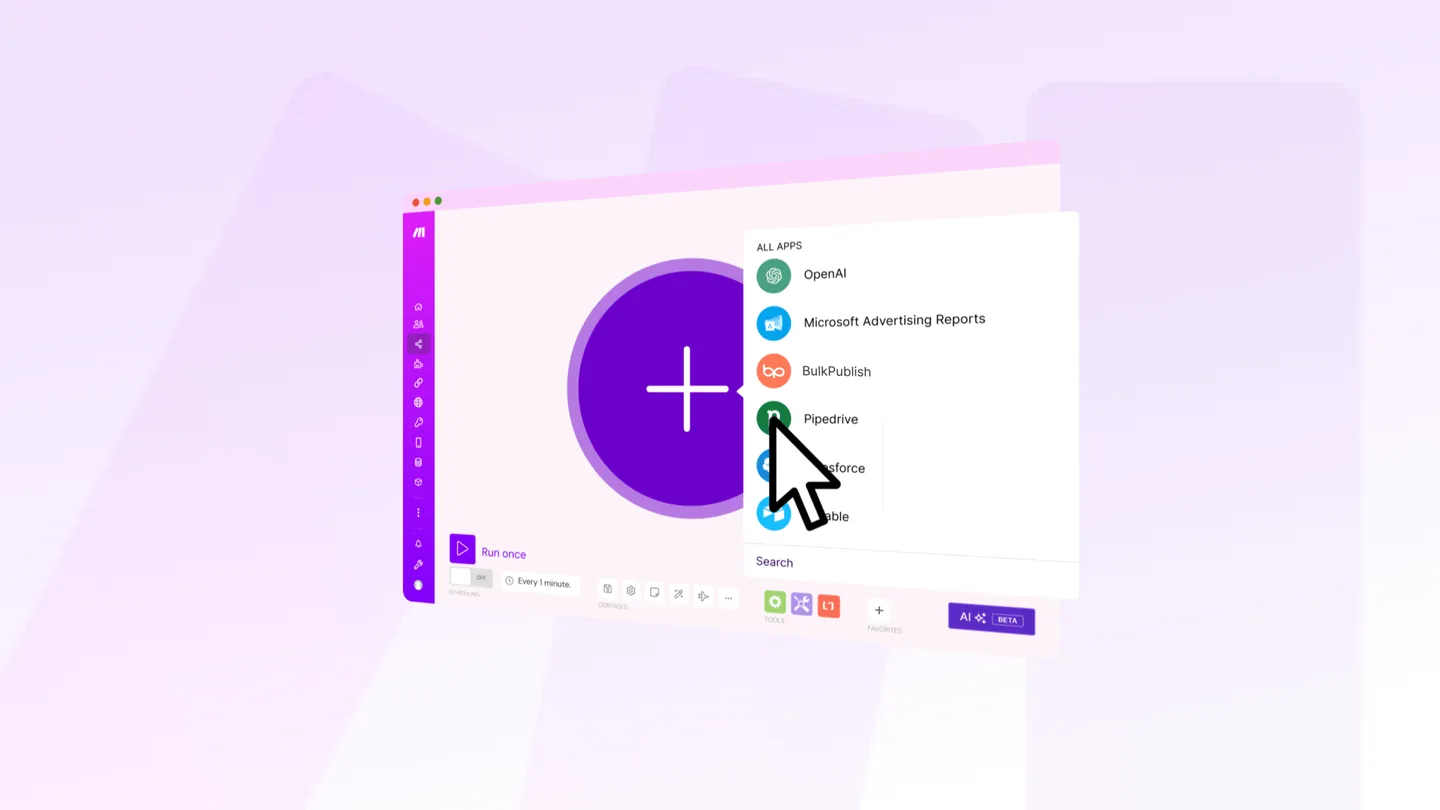
Make’s model suits social publishing better than most automation tools, for one specific reason: routing.
A social workflow almost always branches. Different content types go to different accounts, video goes one way and text another, some things need approval and some don’t. In a linear tool that’s a series of filters. In Make it’s a router, and you can see the whole shape at once.
A basic scenario
Trigger. A schedule, a webhook, or a watch on whatever holds your content.
Router. Split by content type, category or destination.
BulkPublish module, Create a Post, on each branch, with the channels for that branch.
That’s the whole thing. The value is that the branches are visible rather than buried in filter conditions.
Where Make earns its place
Multi-source pipelines. Pulling from a feed, a spreadsheet and a form into one publishing flow, with the merge visible on the canvas.
Conditional routing. Long-form goes to LinkedIn and Tumblr, video goes to the vertical platforms, everything goes to the short-text networks. Three branches, one scenario.
Iterators over collections. Taking an array of items and creating a post per item is a first-class operation rather than something you build around.
Error handlers per module. This is the underrated one, covered below.
Error handling is the point
Automated publishing fails silently by default. Nobody is watching at 3am, and a scenario that stops is indistinguishable from a scenario with nothing to do.
Make lets you attach an error handler to a module directly, and it’s worth doing on the publishing step:
- Break for transient failures, so the scenario retries later rather than losing the post
- Resume with a fallback where an item failing shouldn’t stop the rest of a batch
- A notification route, so a failure reaches a human
Without this, the failure mode is that posting stopped a week ago and nobody noticed.
Schedule rather than publish immediately
Prefer passing a scheduled time to publishing at the moment the scenario runs. Content becomes available when it becomes available, which is rarely when your audience is reading, and a scheduled post can still be cancelled.
Watch the operations budget
Make bills by operation, and a scenario that runs every fifteen minutes over a large collection consumes them quickly. Two things help: run on a schedule matched to how often the source actually changes, and filter early in the scenario so later modules process fewer items.
The same discipline helps on our side:
- API requests/day: Free: 10. Pro: 5,000. Business: 50,000.
- Posts: Free: 1/day. Pro: 30/day. Business: unlimited.
- Channels: Free: 3 (1 per platform). Pro: 30 (2 per platform). Business: 75 (5 per platform).
The free tier is for building and testing a scenario, not running one.
Draft first
Set the scenario to create drafts for the first week. Routing bugs are obvious in a list of drafts and invisible on a canvas, because a branch that sends the wrong content to the wrong account looks perfectly fine as a diagram.
Plain automation may be enough
Before building: BulkPublish reads RSS feeds natively, imports CSV in the bulk composer, and runs recurring schedules on daily, weekly, biweekly or monthly frequencies. If your scenario would be one of those with extra steps, use the built-in version and keep the scenario for the parts that genuinely need branching.
BulkPublish publishes to 15 platforms: Facebook, Instagram, TikTok, YouTube, X, Threads, Bluesky, Pinterest, Google Business Profile, LinkedIn, Mastodon, Discord, Telegram, Tumblr and Snapchat.
The short version
Make’s router is the reason to use it here, because social workflows branch. Attach error handlers to the publishing module so failures reach a human rather than stopping silently. Filter early to protect your operations budget, schedule rather than publishing on trigger, and run into drafts first, since routing bugs look correct on a canvas.
